Announcing on Instagram (2027)
By zainzari • Published October 23, 2026 • Updated October 23, 2026
 📌 Save
A great wedding announcement on Instagram pairs your happiest photo with a caption that does three jobs: announces the marriage in the first line, tells one small true story, and points people to your wedding website for the rest. Post it once your inner circle knows, at a high-attention time, with a tight set of relevant hashtags.
For most couples in 2027, Instagram is where the wider world hears the news — coworkers, old friends, distant cousins. That makes the announcement post worth planning like the mini-event it is: the right photo, a caption with a heartbeat, and timing that puts it in front of everyone you love.
Below are 25 complete announcement approaches — captions you can copy, carousel and Reel structures, Stories sequences, and the follow-up posts that turn one announcement into a small, joyful season of celebration.
At a Glance: Format, Effort & Reach
| # | Post Idea | Format | Effort |
|---|---|---|---|
| 1 | The Ring-and-Hands Reveal Photo | Single photo | Low |
| 2 | Caption: Short and Joyful | Single photo | Low |
| 3 | Caption: Story-Driven Long Form | Single photo | Medium |
| 4 | Caption: Funny and Self-Aware | Single photo | Low |
| 5 | Caption: Romantic and Poetic | Single photo | Low |
| 6 | Carousel: Ceremony to Celebration | Carousel | Medium |
| 7 | Reel Announcement With Music You Love | Reel | High |
| 8 | Countdown and Timing Your Post | Strategy | Low |
| 9 | A Hashtag Set That Actually Works | Caption add-on | Low |
| 10 | Creating Your Own Wedding Hashtag | Branding | Low |
Reach note: carousels and Reels typically earn the widest distribution, while single photos earn the warmest comments — many couples below pair a photo announcement with a Reel a few days later.
The Ring-and-Hands Reveal Photo
 📌 Save
The timeless opener: intertwined hands, new rings, bouquet soft in the background. Caption — “Forever has a nice ring to it. 💍 Married June 12, 2027, in Charleston, South Carolina. Full story + photos at the link in our bio. #JustMarried #2027Wedding”
Caption: Short and Joyful
 📌 Save
For couples who let the photo do the talking: “We did it. 🤍 Emma & Jack — married June 12, 2027, Charleston. Happiest yes of our lives.” Two lines, total clarity, and room for the comments to become the celebration.
Caption: Story-Driven Long Form
 📌 Save
The caption that makes strangers cry: “Six years ago we matched on a Tuesday and talked until 2 a.m. about nothing important. Yesterday, in front of 40 of our favorite people in Austin, Texas, we promised to keep talking forever. Married life looks good on us. Full story on our site — link in bio. 🤍”
Caption: Funny and Self-Aware
 📌 Save
Humor travels: “Update: the group chat can stand down. After 4 years, 2 apartments, and 1 very dramatic houseplant era, we’re officially married. June 12, 2027, Denver, Colorado. He cried first. (He did.)” Funny captions get screenshotted and shared — free reach with personality.
Caption: Romantic and Poetic
 📌 Save
For the soft launch of forever: “And suddenly, all the love songs were about us. Married at golden hour, September 18, 2027, in the Blue Ridge Mountains. My favorite person, my favorite day, my favorite life. 🤍” Pair with the dreamiest frame from your gallery.
Carousel: Ceremony to Celebration
 📌 Save
Build a five-slide arc: 1) the walk-in, 2) the vow exchange, 3) the kiss, 4) the confetti or exit moment, 5) the celebration — cake, first dance, or a sparkling cider toast with your people. Caption: “Our wedding day, frame by frame. June 12, 2027, Charleston. Swipe for the happiest plot twist. 🤍”
Reel Announcement With Music You Love
 📌 Save
A 20-second Reel: clip of the ring going on, the first look turn, the kiss, and the two of you laughing over sparkling cider at sunset — cut to a beloved upbeat song. On-screen text: “POV: you marry your best friend. 06.12.2027, Charleston SC.” Reels reach the friends who muted Stories months ago.
Countdown and Timing Your Post
 📌 Save
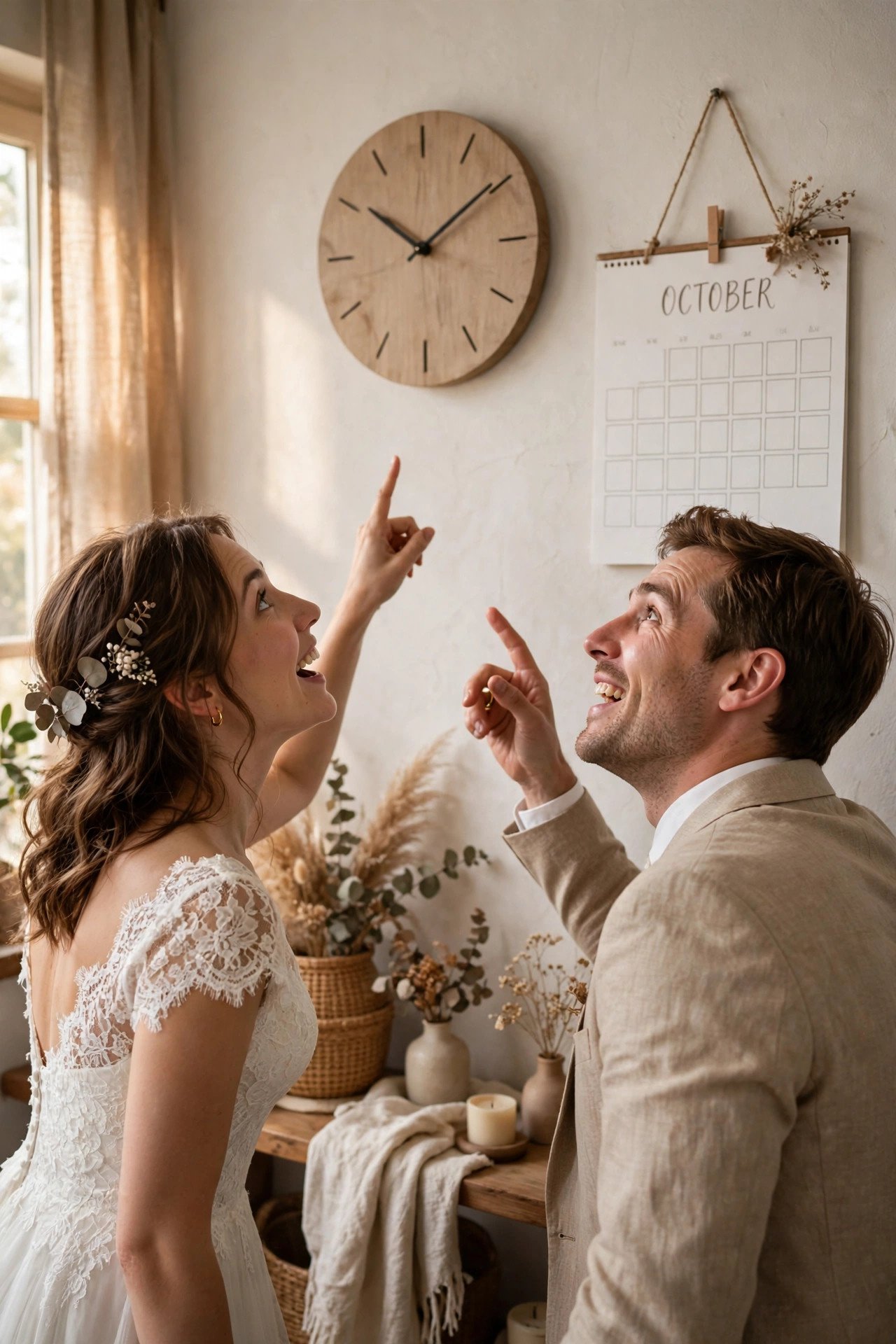
Post when your people scroll: weekend late mornings and weekday lunch hours consistently outperform late nights. If your photographer delivers a sneak peek within 48 hours, announce while the day is still fresh in everyone’s real-life conversations — the comments arrive twice as fast.
A Hashtag Set That Actually Works
 📌 Save
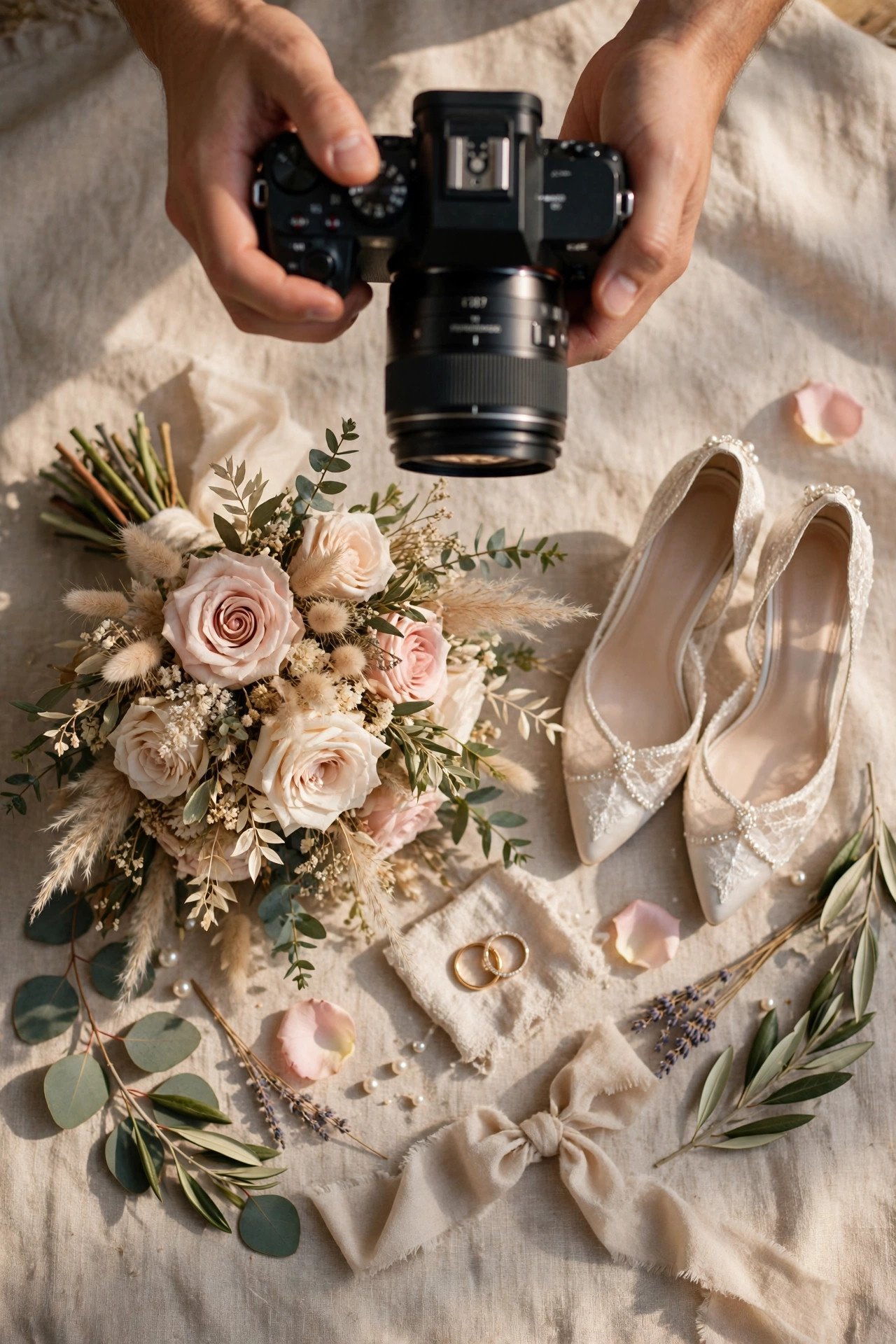
Use 5–8 specific tags, not 30 generic ones: “#JustMarried #CharlestonWedding #2027Bride #WeddingAnnouncement #SouthCarolinaWedding” plus your personal wedding hashtag. Specific tags reach people planning similar weddings; generic ones drown in millions of posts within the hour.
Creating Your Own Wedding Hashtag
 📌 Save
Build yours from names plus a pun or date: #EmmaAndJackSayIDo, #Sullivans2027, #ForeverFord. Check it is not already a stranger’s wedding, keep it spellable after hearing it once, and introduce it in the announcement caption so guests adopt it from day one.
Tagging Vendors and Venue
 📌 Save
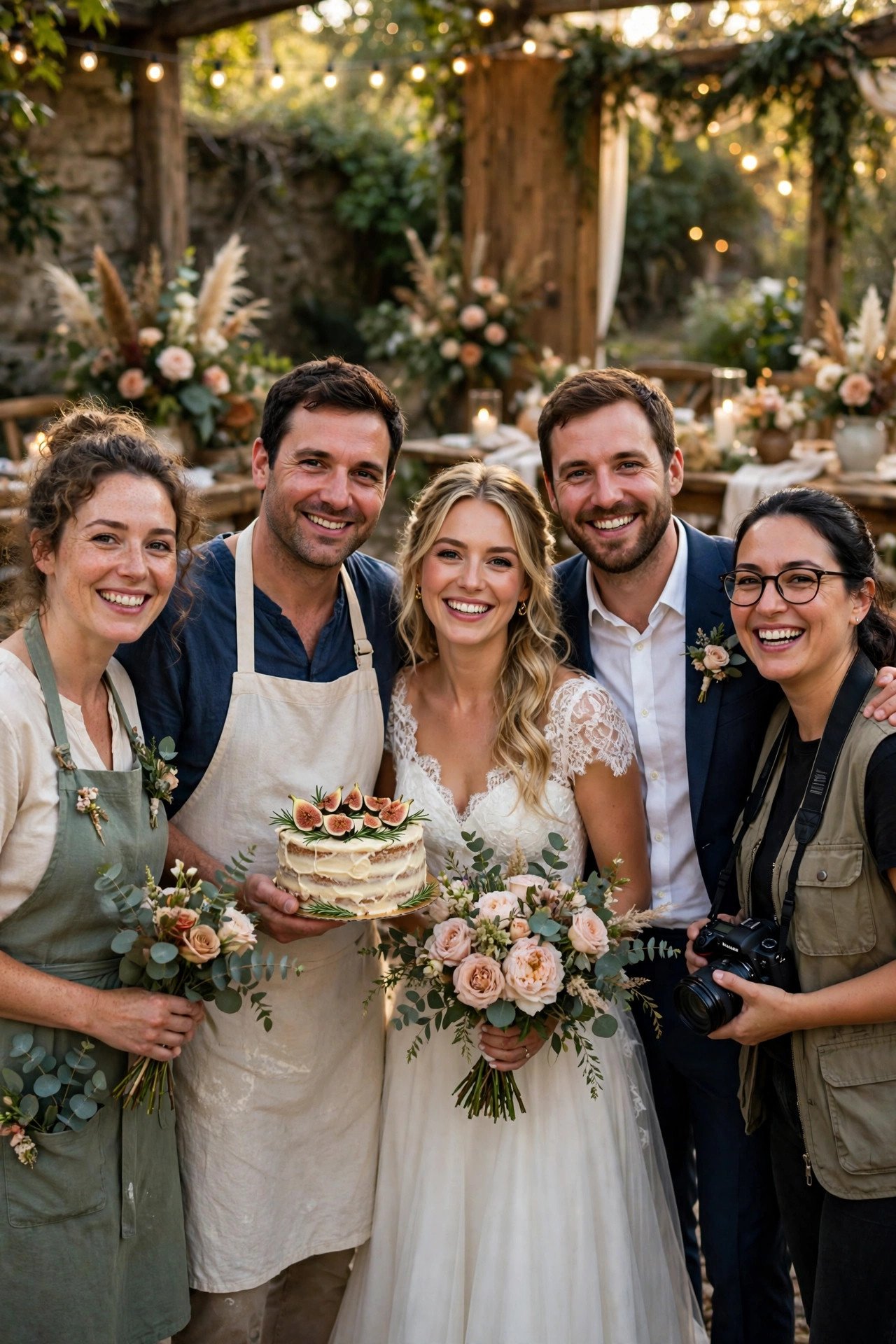
Tag your photographer, venue, florist, and baker in the photo itself and name them in the caption: “Photos by @…, at the magical @…, flowers by @…” Vendors reshare beautiful announcements constantly — their audiences become your second wave of congratulations, and crediting is simply good manners.
Stories Announcement Sequence
 📌 Save
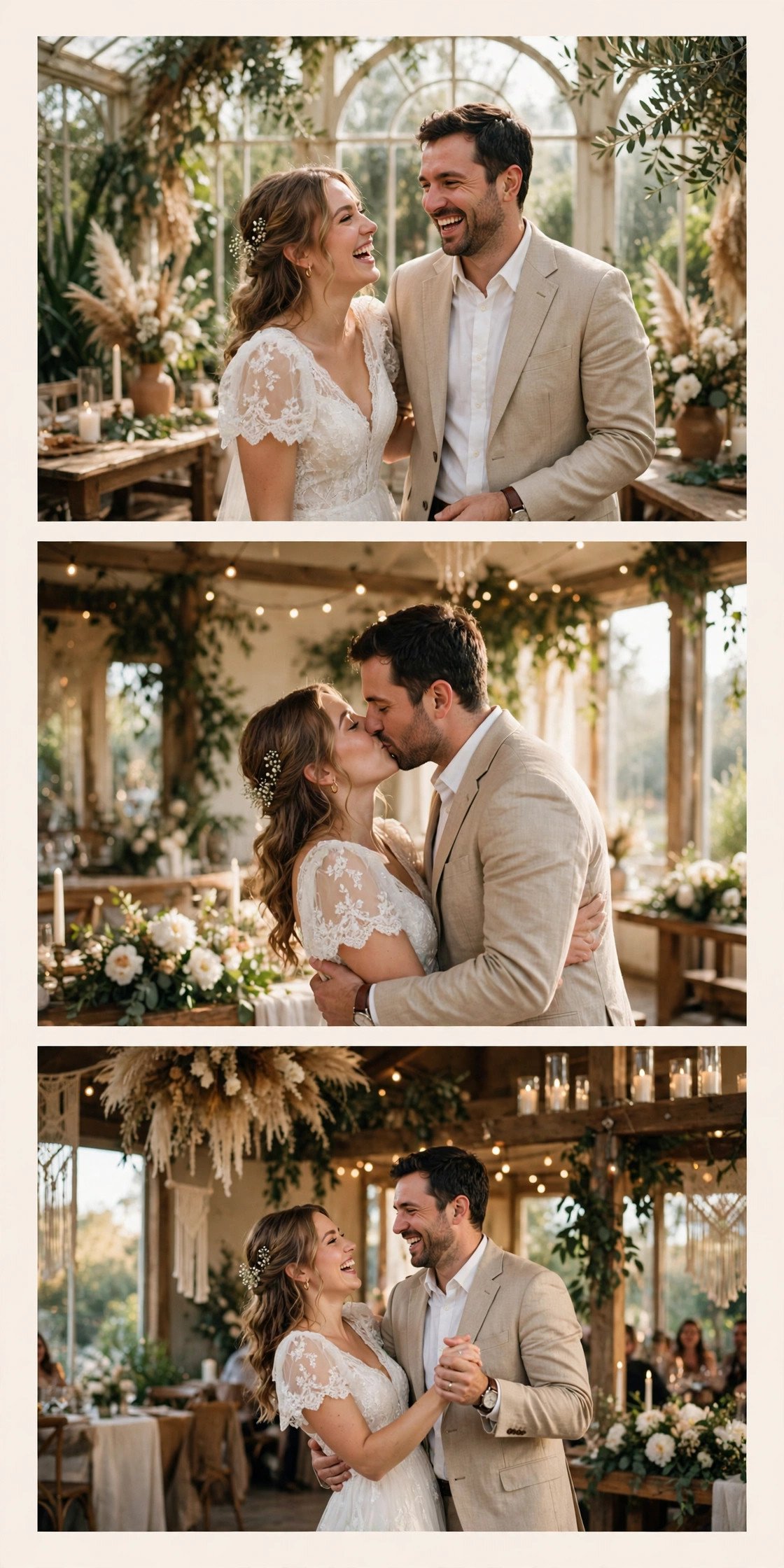
A four-frame Story arc: 1) “We have news…” over a blurred photo, 2) the reveal portrait with a date sticker, 3) a candid laughing frame with your wedding hashtag, 4) a link sticker — “Full gallery + our story” — to your wedding website. Stories catch the daily scrollers your feed post might miss.
Close Friends First, Public Second
 📌 Save
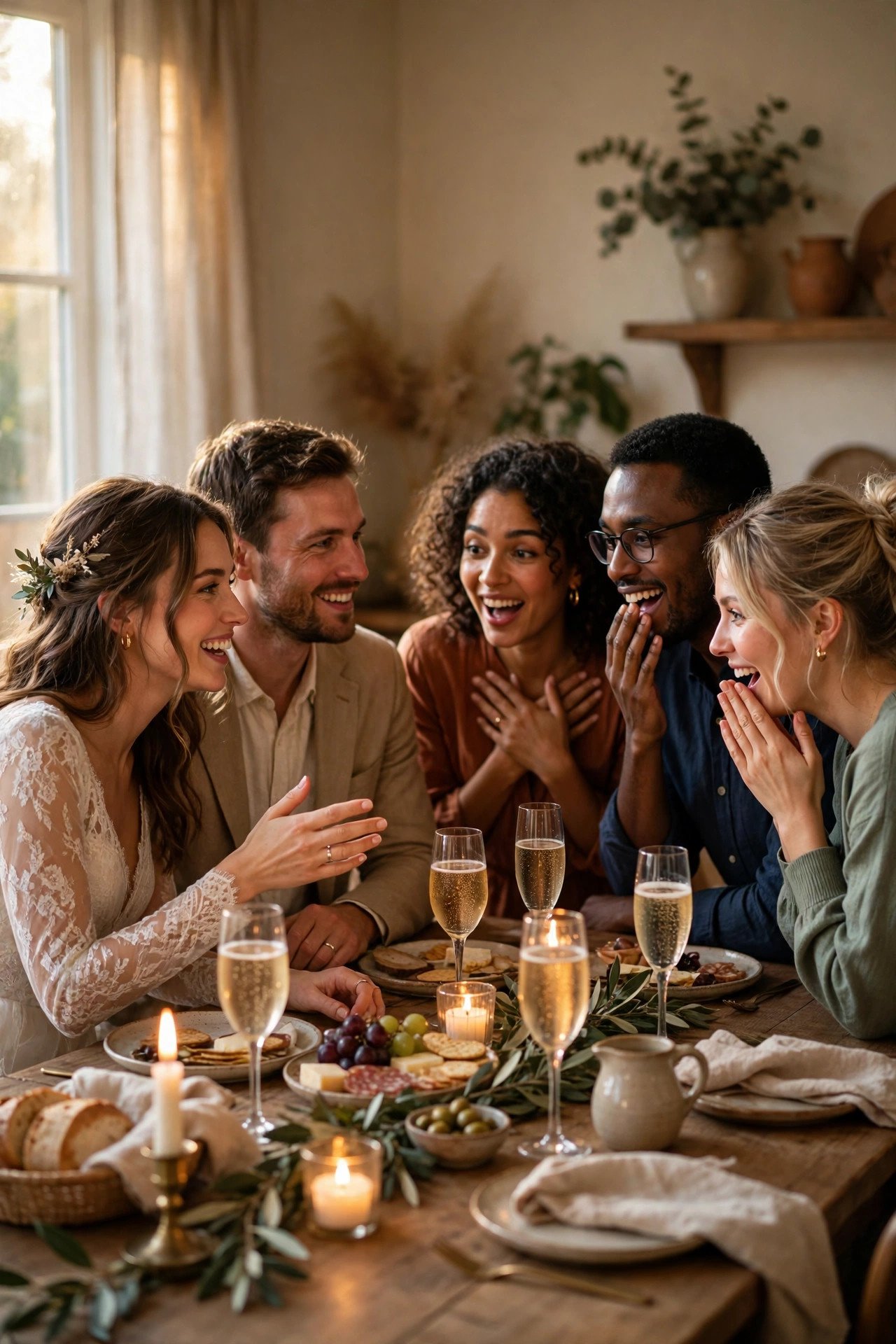
Use the Close Friends list as your soft launch: post the announcement there the evening of the wedding for your inner circle, then post publicly two or three days later once family calls are done. Two celebrations, zero hurt feelings, and the public post lands with a built-in cheering section.
Pinned Announcement Post
 📌 Save
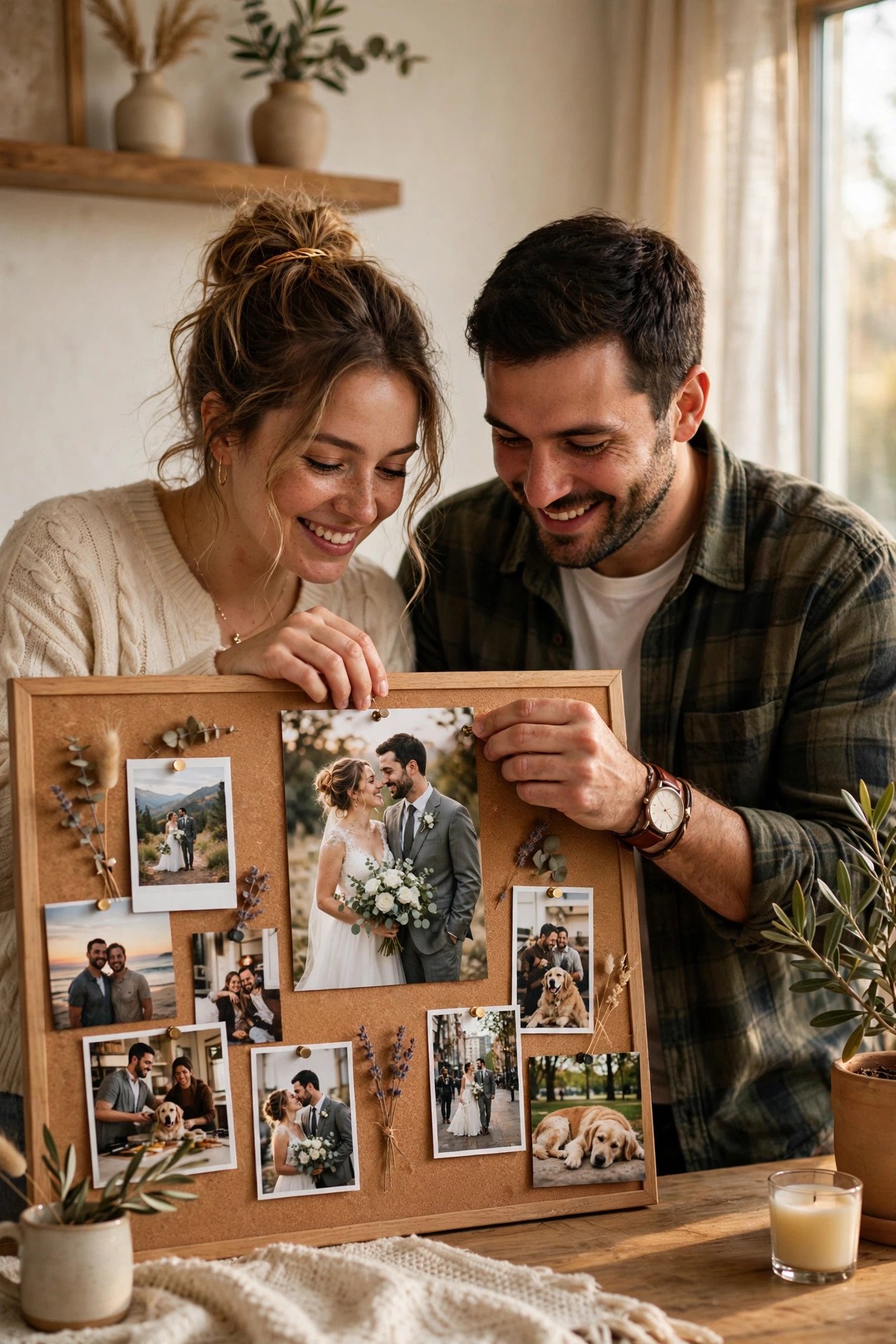
Pin the announcement to the top of your profile grid for the first month. Visitors — new followers from vendor reshares, distant friends catching up — see the news instantly instead of piecing it together from captions. Unpin it when the celebration or gallery post takes over as your headline.
Highlight Cover for Wedding Content
 📌 Save
Create a “Wedding 🤍” Highlight with a cover that matches your announcement photo’s tones, and file every Story — the announcement sequence, reshares of friends’ posts, the gallery link — inside it. Your profile becomes a tiny wedding album anyone can replay in a minute.
Choosing Candid Over Posed
 📌 Save
Pick the frame where you are mid-laugh, mid-tear, or mid-hug over the technically perfect portrait. Feeds are full of flawless posed photos; genuine emotion stops thumbs. If your favorite candid is slightly imperfect, that imperfection is exactly why it will outperform the portrait.
Golden-Hour Couple Portrait Post
 📌 Save
If your portraits include a golden-hour stunner, let it headline the announcement on its own — no carousel, no competition. Caption: “Golden hour, golden promise. Married September 18, 2027. 🤍” Simplicity plus beauty is the most saved and shared combination on the platform.
Detail Shot: Rings, Vows, Bouquet
 📌 Save
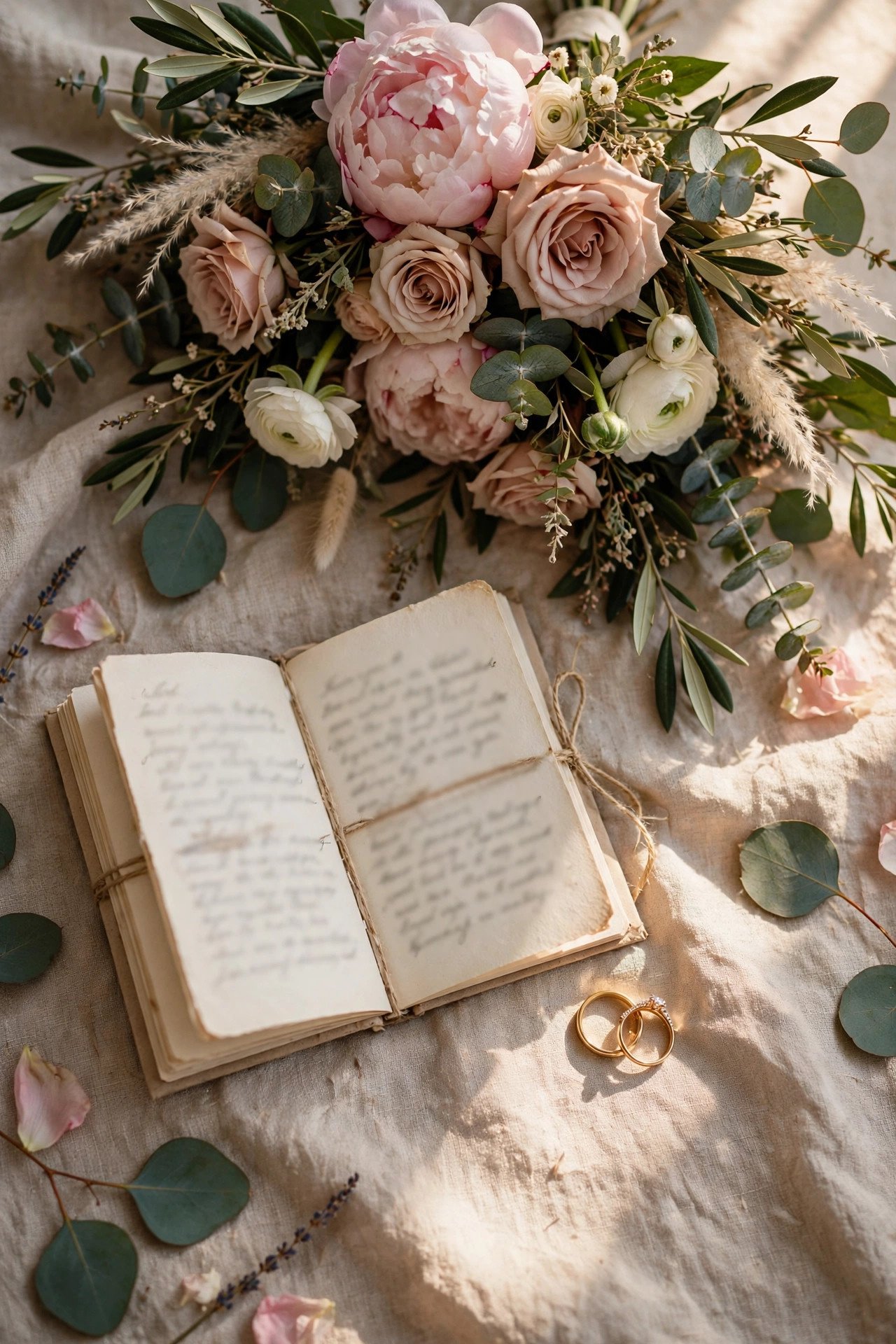
An artistic second post a few days later: rings on the vow book, bouquet against the dress fabric. Caption: “The details we’ll keep forever: handwritten vows, garden roses, and two rings that finally match. Full gallery on our website. 🤍” Detail posts feed the Pinterest-minded friends who plan weddings of their own.
Family Photo Post: Round Two
 📌 Save
A week later, post the family portrait with gratitude front and center: “The people who made us who we are — and who made this day what it was. Thank you for raising us, loving us, and dancing with us. 🤍” Families resharing this post extends your announcement to every branch of the tree.
Thank-You Post for the Comments
 📌 Save
Reply to comments individually for the first day, then post a thank-you Story or carousel slide: “We have read every single comment twice. Thank you for turning our announcement into a celebration that lasted all week. We love this community. — E & J 🤍” Public gratitude deepens the goodwill your announcement created.
Engagement vs Wedding Announcement Posts
 📌 Save
Echo your engagement post deliberately: same spot, same pose, now with rings and wedding clothes. Caption: “Same bench, same us, one big upgrade. Engaged here in 2025 — married June 12, 2027. Swipe for the before. 🤍” Before-and-after pairings are catnip for saves and shares.
Elopement Reveal on Instagram
 📌 Save
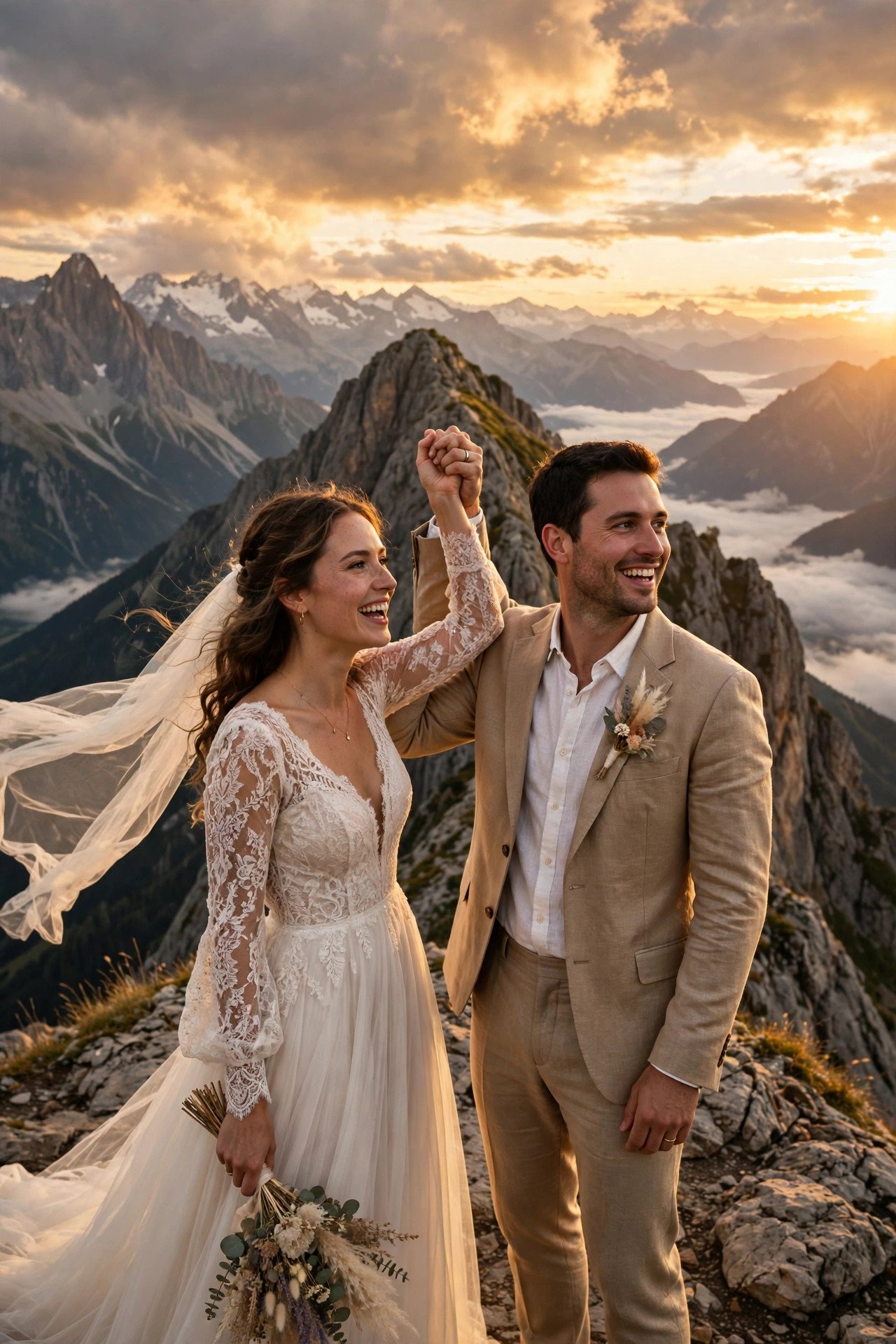
For elopements, the reveal IS the announcement: one epic landscape portrait and a caption that owns the surprise — “Surprise! We ran off to the mountains and got married. September 18, 2027, just us and the peaks. We can’t wait to celebrate with you all soon — details coming. 🤍” Expect your highest comment count ever; be online to enjoy it.
Save-the-Date Teaser Post
 📌 Save
If the wedding is still ahead, the “announcement” is a save-the-date teaser: a joyful engagement photo with “Something’s coming… 06.12.2027, Charleston SC. Save the date — our wedding website is live at the link in bio. 💌” This drives website visits months before invitations exist.
Website Link-in-Bio Announcement
 📌 Save
Make the announcement post a doorway: final caption line — “Our full story, photos, and celebration details live on our wedding website — link in bio. 🤍” Update the bio link the same hour you post, and use a link page that puts the wedding site first for the month after the announcement.
One-Week-Later Photo Dump
 📌 Save
Close the announcement week with a joyful dump: getting-ready laughter, the aisle walk, parents’ faces, the cake, the dance floor, and one quiet end-of-night shot. Caption: “One week married. Still not over this day — or these people. Full gallery on our site. 🤍 #JustMarried” Dumps get saved by guests who want the photos for themselves.
Announcing on Instagram (2027) FAQs
When should we post our wedding announcement on Instagram?+
Post publicly once your immediate family and closest friends have heard the news personally — usually two to five days after the wedding. A photographer’s sneak peek within 48 hours keeps the announcement feeling fresh.
What should a wedding announcement caption include?+
Lead with the announcement itself in the first line — feeds truncate captions. Then add the date and city, one small true detail or story, thanks to vendors, and a pointer to your wedding website for photos and celebration details.
How many hashtags should a wedding announcement use?+
Five to eight specific hashtags outperform long generic lists. Mix your personal wedding hashtag, the city and venue style, and two or three searchable tags like #JustMarried and #2027Wedding.
Is a single photo or a carousel better for announcing?+
A single iconic photo earns warmer, more personal comments; a carousel earns more saves and shares. Many couples post the single photo first, then a carousel or Reel later in the week — both audiences get served.
Should we announce an elopement on Instagram?+
Yes — after your inner circle knows privately. Elopement reveals are among the most joyful posts on the platform. Own the surprise in the caption, promise celebration details if any are coming, and be online to reply to the flood of love.
Key Takeaways
- Tell your inner circle personally before the public post — always.
- Put the announcement in the caption’s first line, the story after it.
- Use 5–8 specific hashtags plus your own wedding hashtag.
- Tag and credit your vendors; their reshares multiply your reach.
- Follow up across the week: details post, family post, thank-you, photo dump.
Final Thoughts
Your announcement post is the digital front door of your marriage’s first chapter. One honest photo, a caption that sounds like you, and kind sequencing — family first, feed second — and Instagram becomes a week-long celebration instead of a single scroll-past moment.