30 Wedding Website Ideas (2027)
By zainzari • Published October 23, 2026 • Updated October 23, 2026
 📌 Save
The best wedding website ideas for 2027 pair delight with utility: an animated hero and countdown for excitement, a story timeline and party bios for warmth, and hard-working pages — FAQ, smart RSVP with meal choices, travel hub, dress-code photos, and a live updates page — that quietly eliminate the hundred questions couples otherwise answer by text. Finish with a thank-you and gallery page after the day.
A wedding website earns its keep twice: first as the couple’s hardest-working assistant, answering questions while they sleep, and then as the wedding’s permanent home. The ideas that matter do both — they delight guests and delete work in equal measure.
These 30 ideas run the full life of a site, from the hero guests meet first to the time capsule that speaks a year later. Steal the utility pages wholesale; choose the delight pages to taste.
At a Glance: Ideas by Job
| # | Idea | Job | Effort | Guest Love |
|---|---|---|---|---|
| 1 | Animated hero | Excitement | Medium | High |
| 2 | Countdown timer | Excitement | Low | High |
| 3 | Story timeline | Warmth | Medium | High |
| 4 | Illustrated map | Logistics | Medium | High |
| 5 | Party bios | Warmth | Low | High |
| 6 | FAQ page | Question-killer | Low | Very high |
| 7 | Smart RSVP | Logistics | Low | High |
| 8 | Photo gallery | Warmth | Low | Medium |
| 9 | Travel hub | Logistics | Low | Very high |
| 10 | Live updates page | Calm | Low | Very high |
The question-killers repay their effort first; the delight pages make guests love the site. All 30 ideas are detailed below.
The Animated Hero Welcome
 📌 Save
Open your site with a short, silent looping clip — a laugh, a walk, a confetti moment from your engagement shoot — behind your names and date. Motion in the first three seconds tells guests this wedding has energy, and it photographs your personalities better than any posed banner.
The Countdown Timer Done Tastefully
 📌 Save
A countdown to the ceremony is the wedding website’s most-loved widget — when it is designed as part of the page, not pasted on like a banner ad. Match its type to your invitation suite and place it under the hero, where returning visitors check it weekly.
Our Story as a Scrollable Timeline
 📌 Save
Tell your story as dated chapters guests scroll through: met, first trip, the dog, the proposal. Timelines suit couples whose relationship has real geography and time in it, and they give guests who know only one of you a complete, charming briefing.
The Illustrated Map of Your Wedding World
 📌 Save
A hand-drawn-style map showing the ceremony, reception, hotels, and parking turns logistics into delight — and saves a hundred ‘how far is it?’ messages. Illustrated maps suit multi-venue and destination weddings especially, where guests are navigating somewhere new.
Meet the Wedding Party: Playful Bios
 📌 Save
Give each attendant a photo, their connection to you, and one playful fact — ‘best man, college roommate, undefeated at Mario Kart since 2015.’ Guests love arriving able to recognize the party, and the bios quietly do introductions before the wedding day chaos.
The FAQ Page That Ends the Questions
 📌 Save
A real FAQ page — parking, plus-ones, children, dress code, photos policy, gift guidance — is the hardest-working page on any wedding website. Every question answered here is a text the couple never receives in the final fortnight, when their phones should be for joy.
RSVP With Meal Choices and Song Requests
 📌 Save
Modern online RSVPs collect meal choices, dietary needs, plus-one names — and, on the joyful end, a song request line. The song field is the highest-delight-per-effort feature in wedding tech: guests feel heard, and your DJ inherits a floor-filling playlist with the invitations.
The Photo Gallery From Engagement to Now
 📌 Save
A gallery page of your life together — trips, holidays, the ordinary Tuesdays — warms guests up for the wedding and gives far-flung family a relationship album. Twenty strong photos beat a hundred uploads; curate like an editor, caption like a friend.
A Guest Book Page That Lives Past the Day
 📌 Save
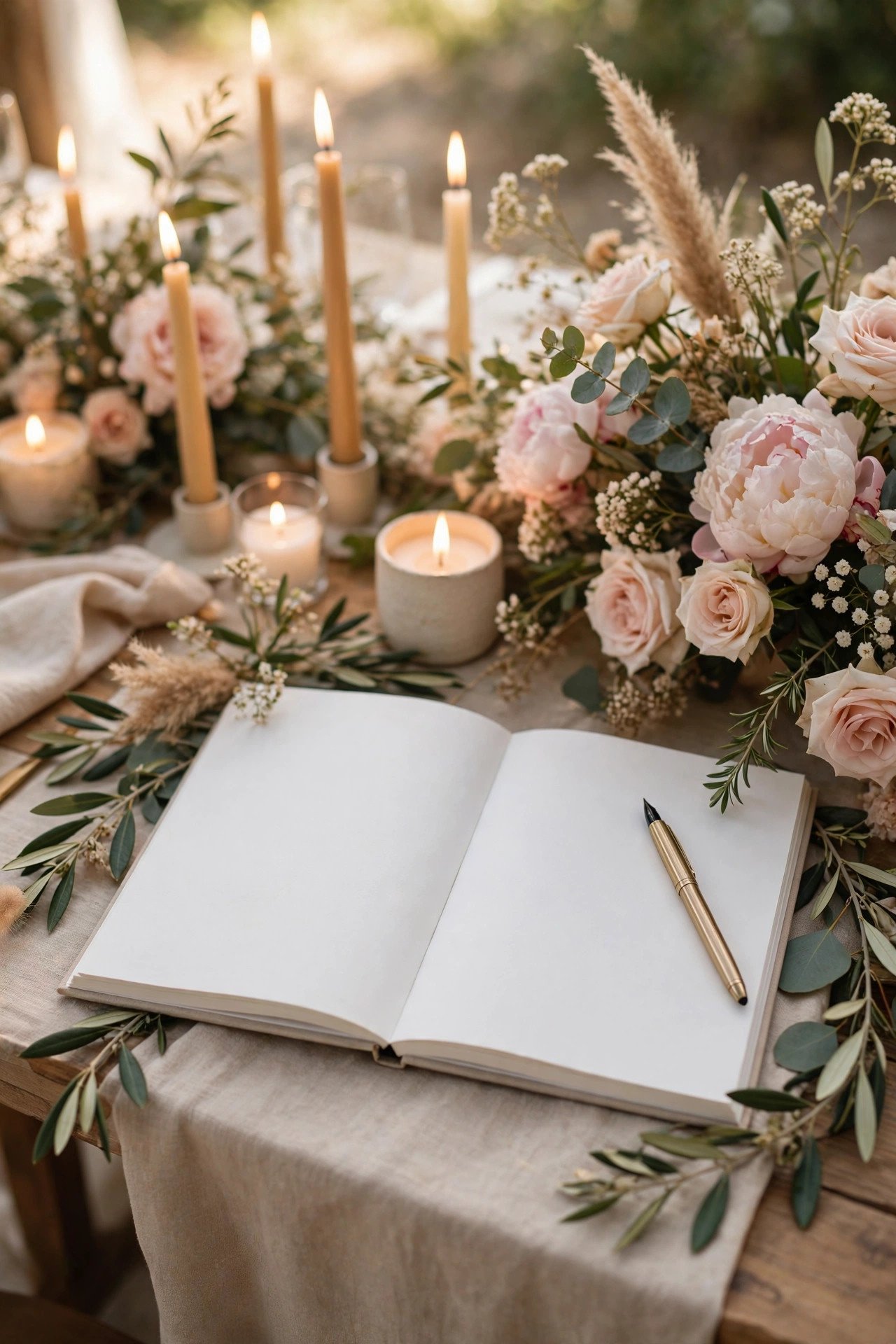
A website guest book collects messages before, during, and after the wedding — including from guests who cannot attend, whose words are often the most moving. Unlike the paper book, it lives where you can reread it on every anniversary.
Travel and Hotel Block Hub
 📌 Save
One page with hotel block codes, airport guidance, shuttle times, and taxi notes is the destination guest’s best friend. Pin the booking deadline in bold — the single most-missed date in wedding logistics — and update the page the moment block details change.
Things to Do: Your Insider’s Local Guide
 📌 Save
A ‘while you’re in town’ page with your real recommendations — the bakery, the viewpoint, the market — turns a wedding trip into a mini-holiday and shows guests the place through your eyes. It is the page out-of-towners screenshot and locals secretly love too.
The Weekend Itinerary, Hour by Hour
 📌 Save
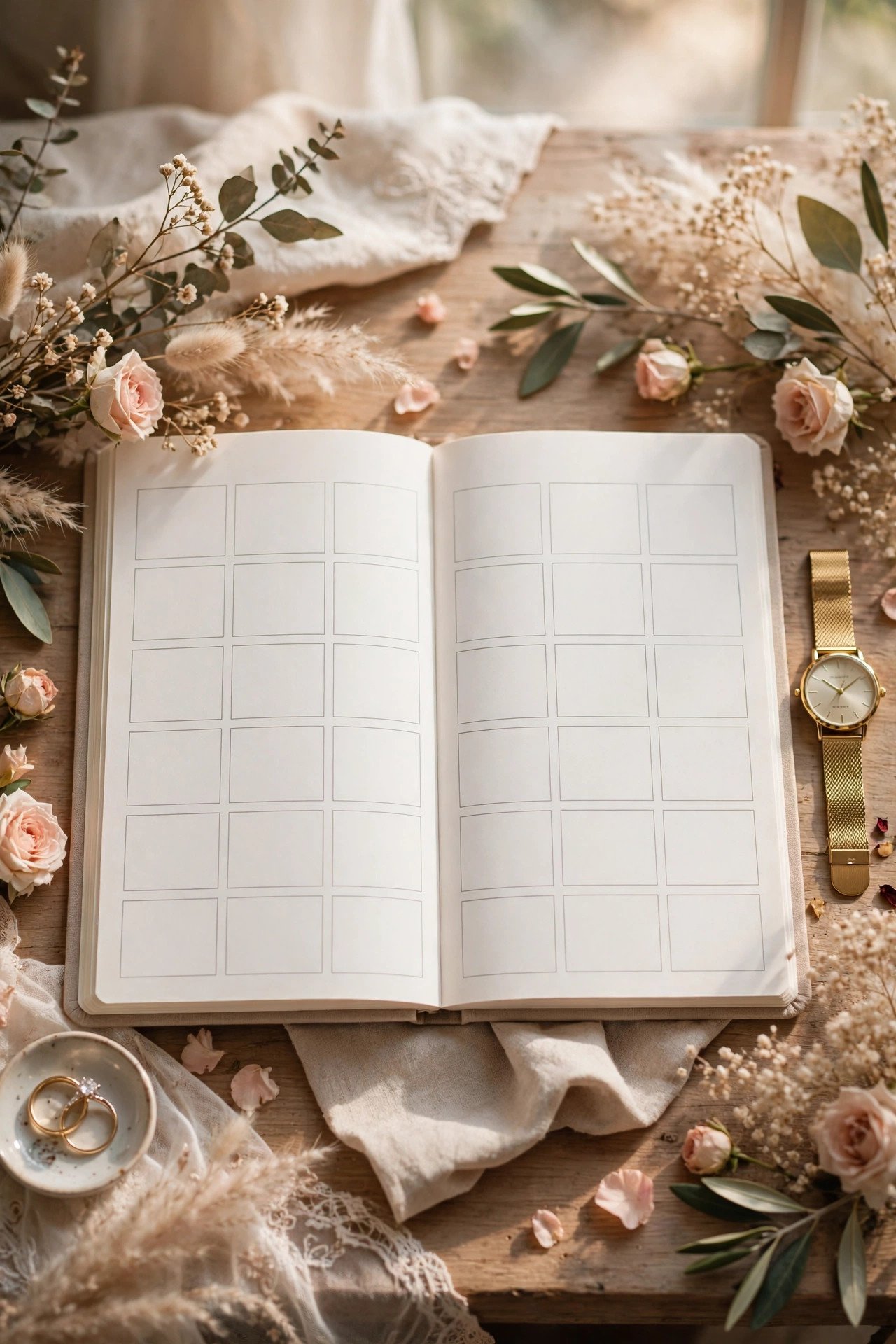
For multi-event weekends — welcome gathering, ceremony, brunch — one itinerary page with times, venues, dress notes, and maps ends the ‘wait, what time is the thing?’ chorus. Guests screenshot it once and navigate the whole weekend from their camera roll.
Registry Page With Grace
 📌 Save
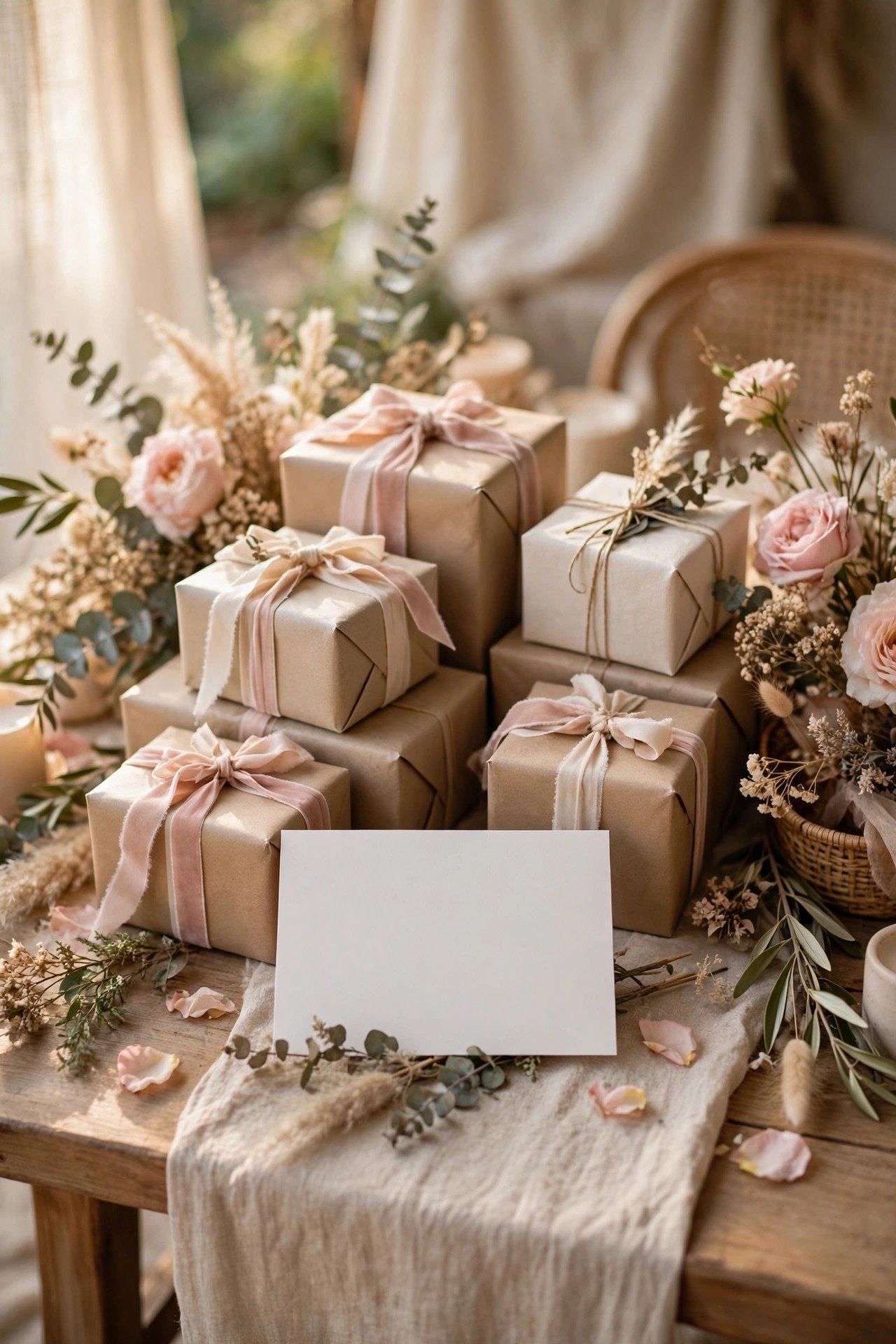
A registry page carries links, a short note of thanks, and any guidance — group gifts, charity options — in the couple’s own warm words. Test every link on a phone: most guests open the registry from the invitation’s QR code on the sofa, and a broken link quietly becomes no gift.
The Dress Code Page With Photos
 📌 Save
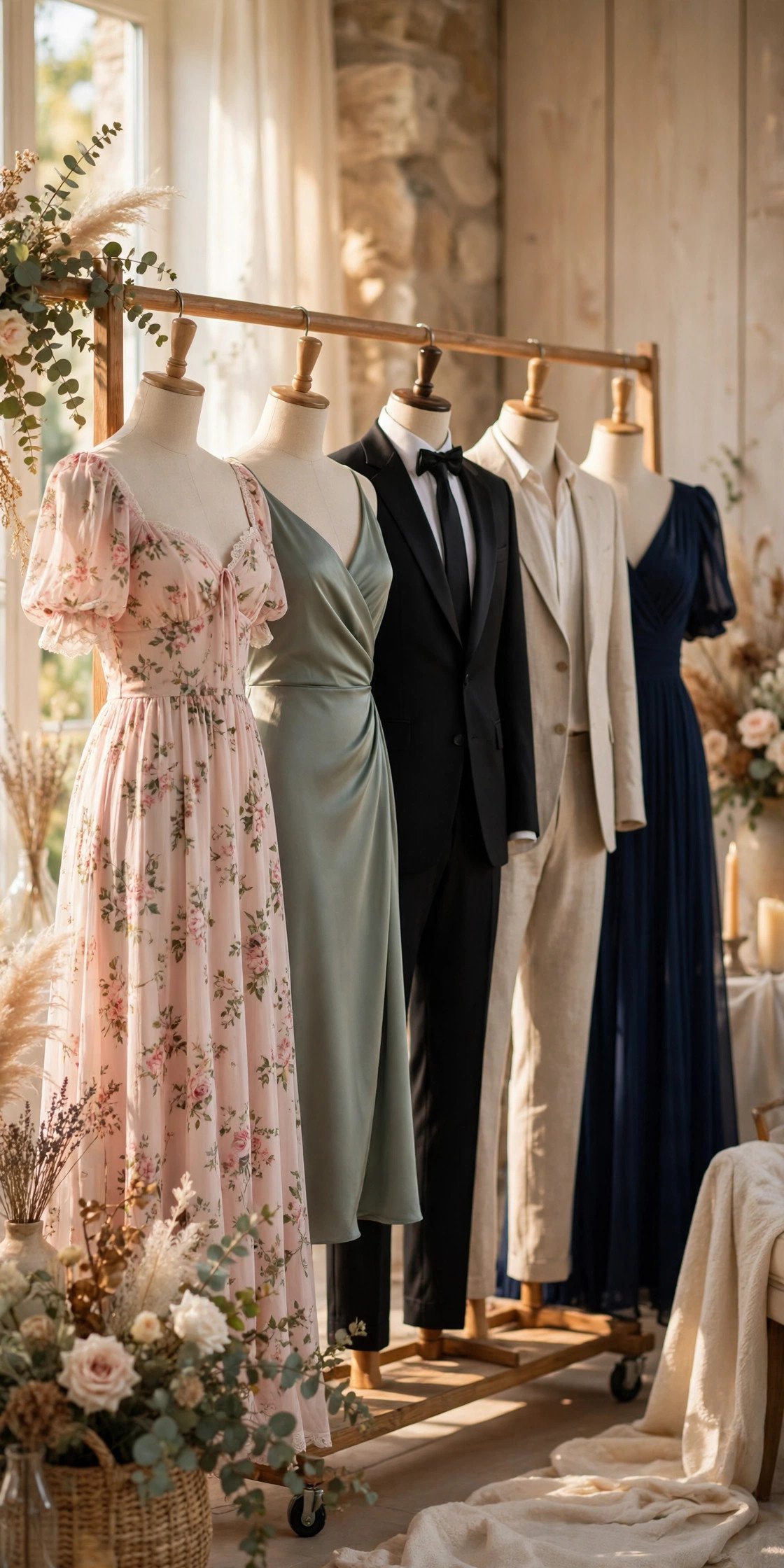
Words like ‘garden formal’ confuse; photos persuade. A dress code page with example outfits — two for women, two for men, plus a what-to-avoid pair — ends the guest guessing game and gets your photos the cohesive look you dreamed of.
Kids and Plus-Ones: The Clear Policy Page
 📌 Save
One kind, plain page stating your children policy, plus-one approach, and how names appear on invitations prevents the most awkward wedding conversations entirely. Guests respect clarity delivered early far more than exceptions negotiated late by phone.
Unplugged Ceremony Notice, Warmly Worded
 📌 Save
If your ceremony is unplugged, the website is where to say it first — framed warmly: ‘We invite you to be fully present; our photographers will capture everything and we will share it all.’ Repeat the note on a sign at the venue, and guests arrive already converted.
A Playlist Preview or Music Page
 📌 Save
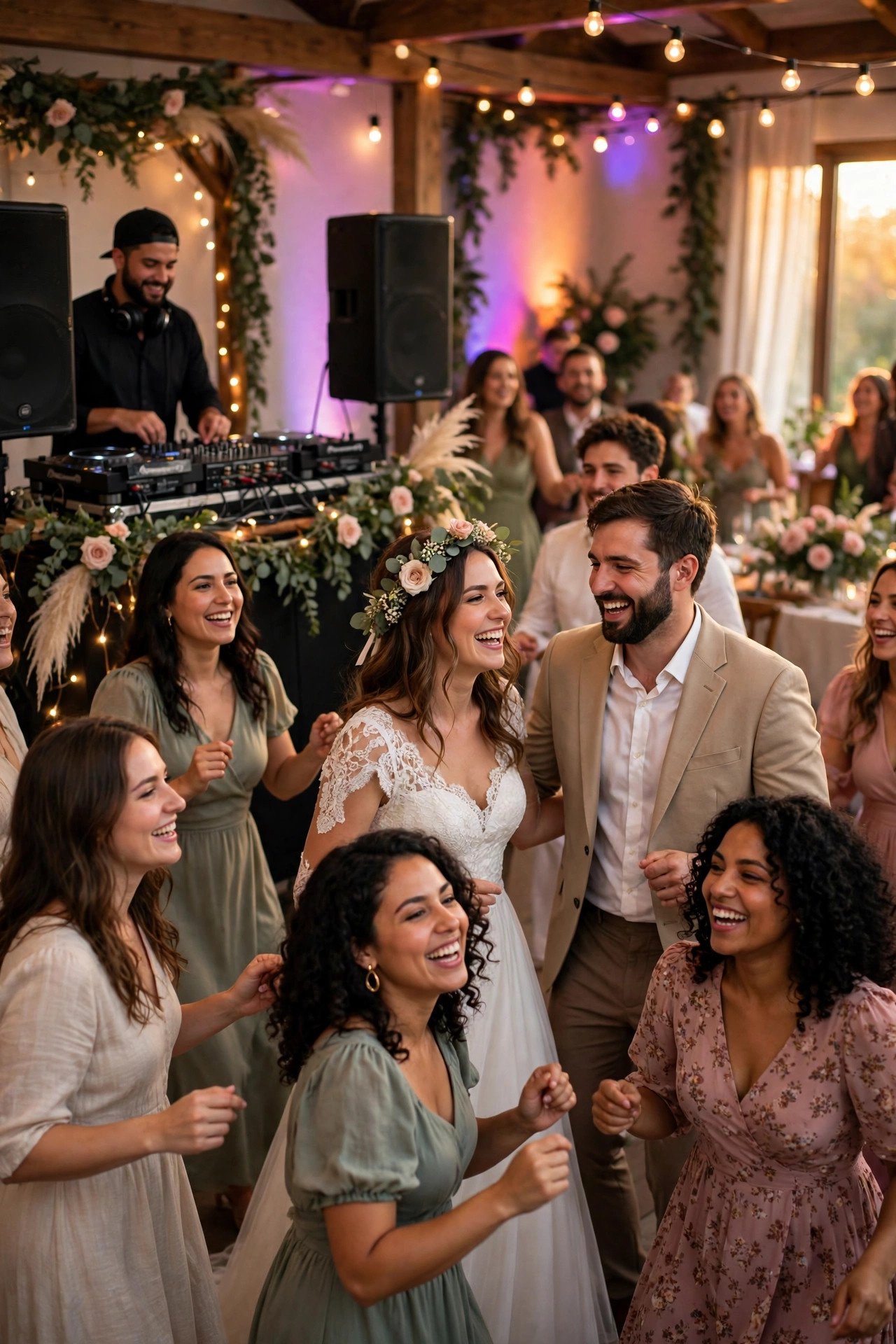
Preview the wedding’s musical world: your first dance song’s story, the family favorites, the sing-along everyone should know the chorus of. A music page is pure delight — and quietly teaches the older generation the words to the closing anthem.
The Proposal Story, Told Properly
 📌 Save
Give the proposal its own page with the full story and photos — it is the chapter guests ask about most and hear in fragments. Written once, told properly, it becomes the version the family retells, accurate at last.
Venue Spotlight: Why This Place
 📌 Save
A short page on why you chose the venue — the garden where you walked, the hall in your hometown — turns a location pin into a story. Guests arrive already attached to the place, and out-of-towners understand the journey’s worth before they book it.
Weather and Backup Plan Page
 📌 Save
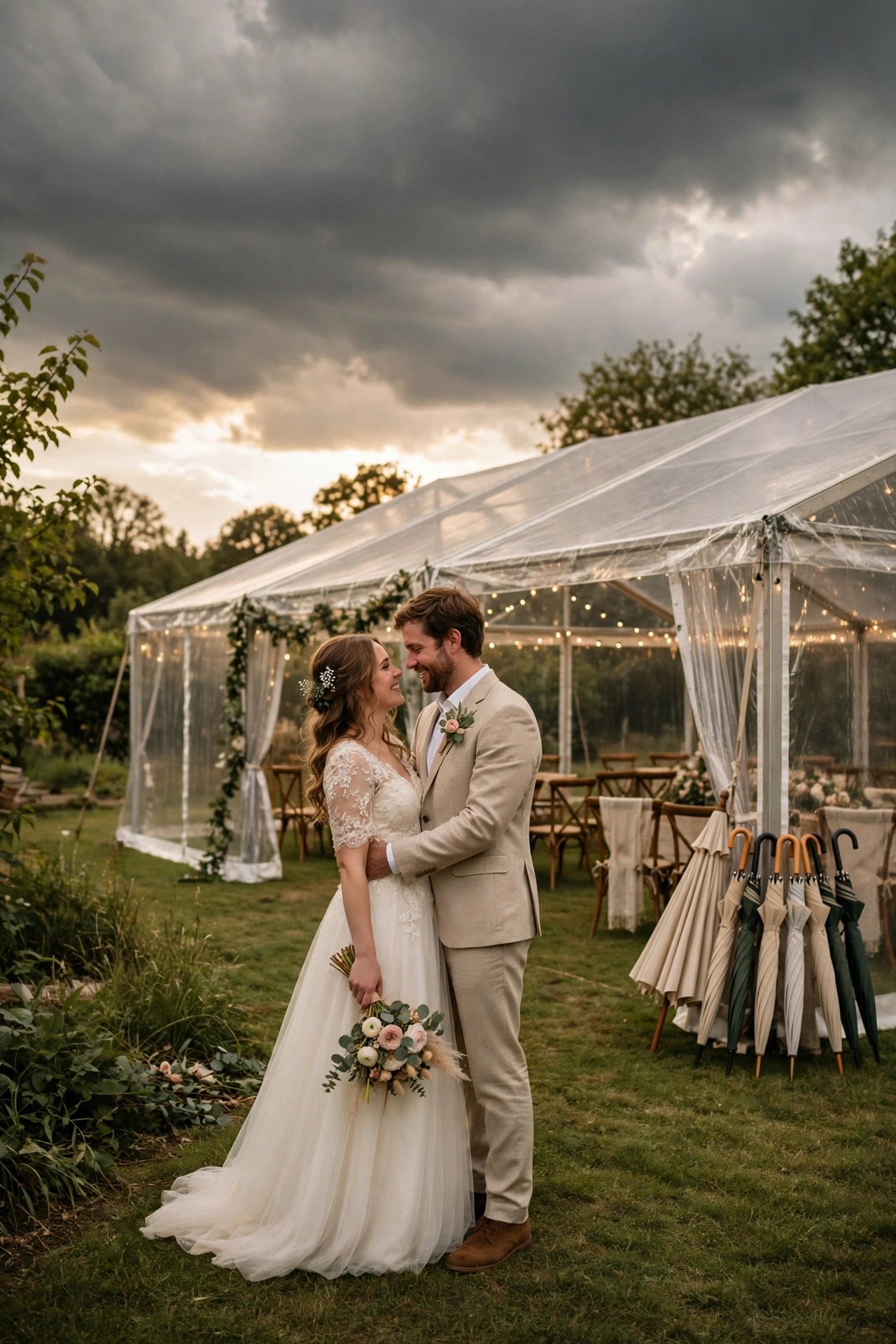
For outdoor weddings, a calm page naming the backup plan — ‘rain moves us to the barn, same time, same party’ — stops weather anxiety texts and tells guests the only thing they need: the decision time and where to check. Update it on the day if plans move.
Accessibility Information Guests Actually Need
 📌 Save
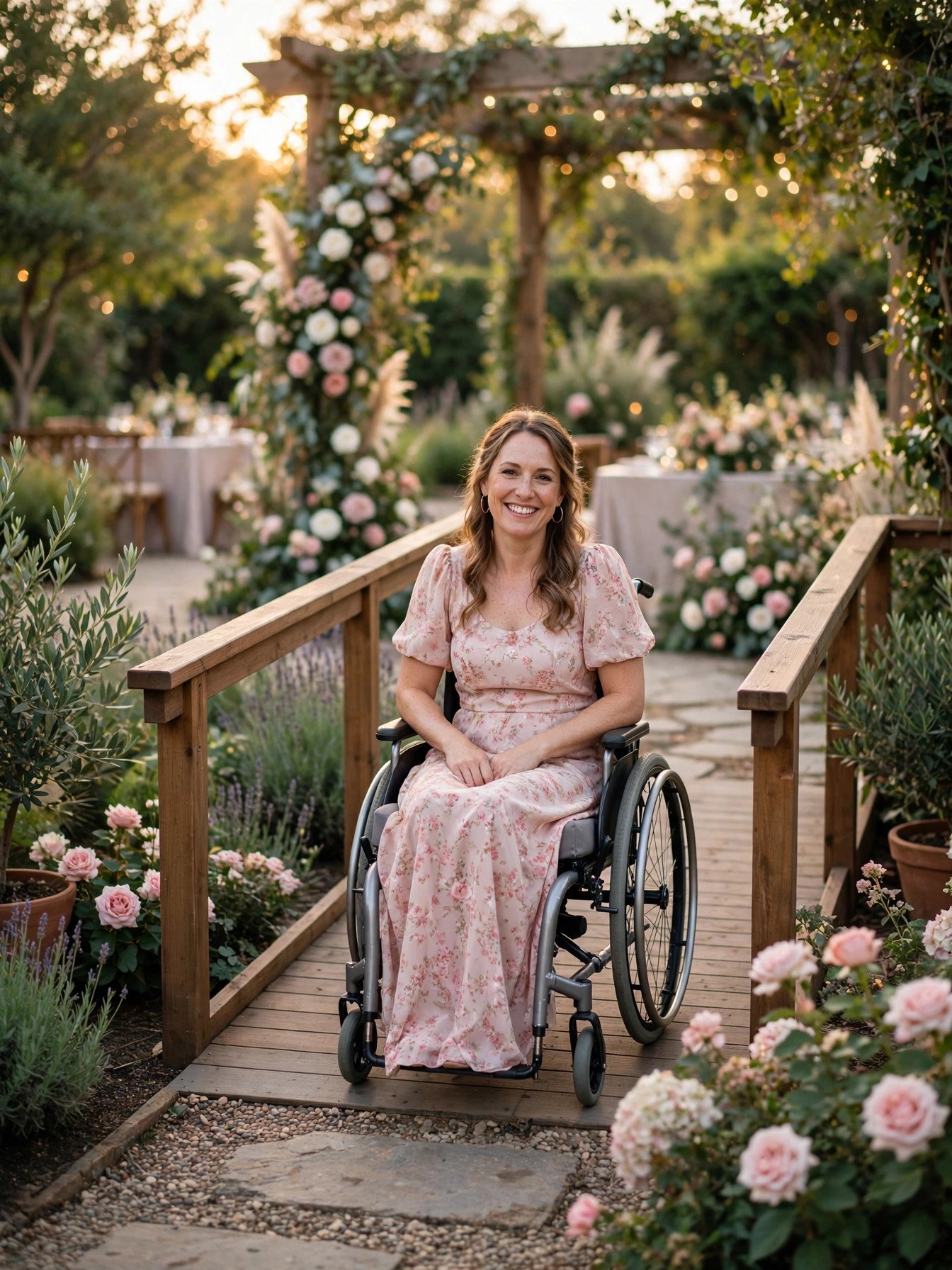
Step-free routes, parking distances, hearing loops, quiet spaces, seating with backs — an accessibility page serves grandparents, disabled guests, pregnant guests, and parents with prams all at once. Gathering it takes one call to the venue and reads as deep thoughtfulness to everyone who needs it.
The Hashtag and Photo-Sharing Hub
 📌 Save
Give your hashtag a home: the tag, a photo-sharing link or QR code for full-resolution uploads, and a note about the unplugged ceremony if you have one. Guests who missed the sign at the venue still find the hub, and your candid photos gather in one place instead of forty camera rolls.
A Love-Notes Page for Each Other
 📌 Save
Some couples publish short letters to each other on the site — read by guests the week of the wedding, they set the emotional temperature for the whole event. Keep them short and true; this is the page guests quote back to you at the reception, through tears, verbatim.
Countdown-to-Deadline Reminders Page
 📌 Save
Gather every date a guest must act on — RSVP by, hotel block closes, shuttle signup — onto one cheerful page, and link it in every reminder you send. Scattered deadlines get missed; a single list with friendly urgency gets honored.
The Cultural Traditions Explainer
 📌 Save
Weddings weaving in cultural or religious traditions delight guests who understand them. A page explaining the key moments — what they mean, when to stand, what to wear — turns spectators into participants and honors the families whose heritage is on show.
Menu Preview and Dietary Promise
 📌 Save
Preview the menu — courses, the famous cake, the coffee bar — and state plainly how dietary needs are handled and where to send them. Food-anxious guests and parents of picky children relax months early, and your caterer receives one clean dietary list instead of forty surprises.
A Seating or Table Finder for Big Weddings
 📌 Save
For weddings over 150, a searchable ‘find your table’ page — name in, table number out — dissolves the escort-card crowd into a calm trickle. Release it the day before, once the plan is final, and watch the reception entry become the smoothest in wedding history.
Live Updates Page for the Wedding Weekend
 📌 Save
Designate one page as the weekend’s news wire — shuttle delays, weather moves, brunch confirmations — and tell guests on the invitation insert to check it. One source of truth beats a hundred forwarded texts, and updating one page takes the couple’s delegate ninety seconds.
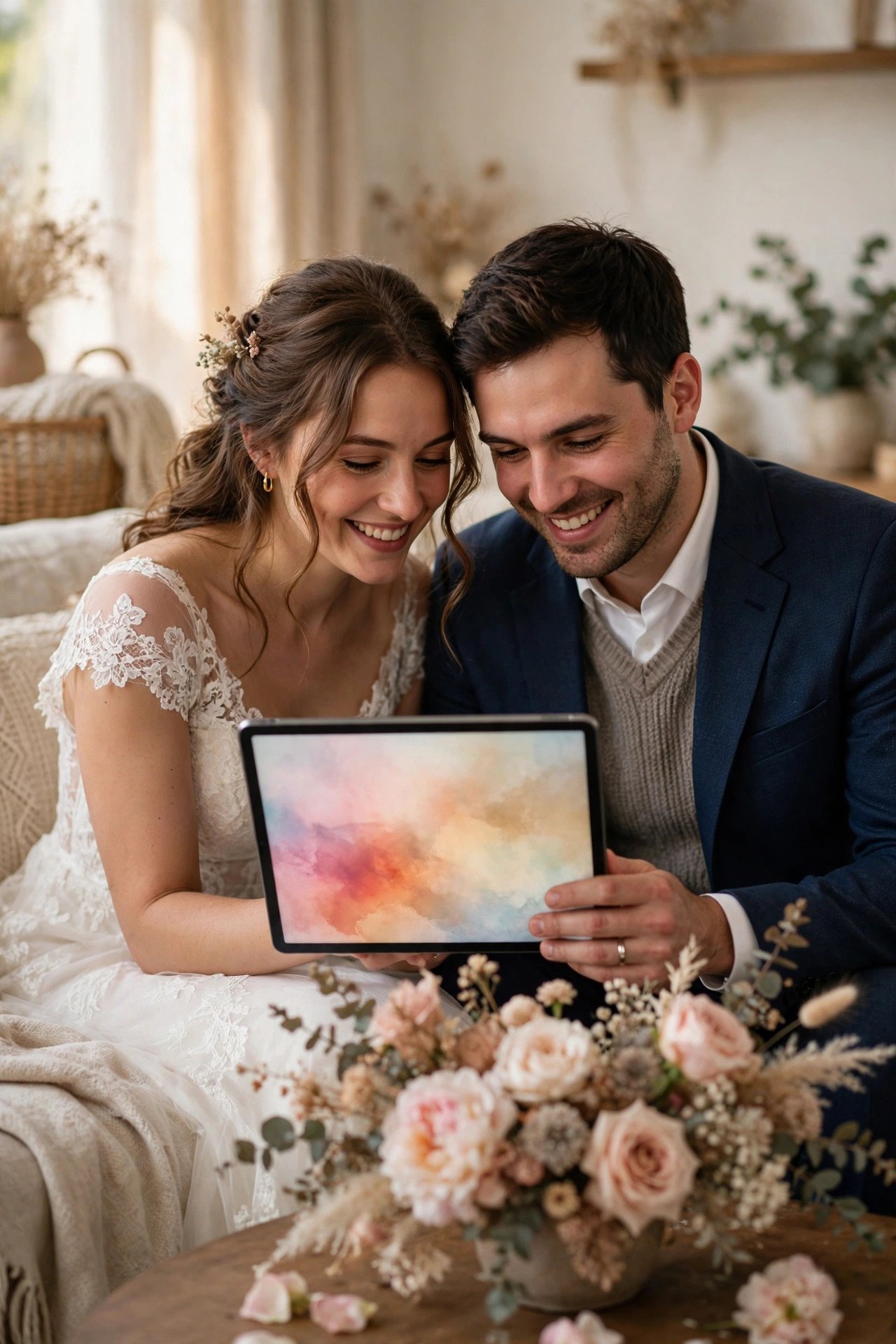
Thank-You and Photo-Delivery Page After the Day
 📌 Save
After the wedding, the site’s second act begins: a thank-you message, the professional gallery link, the candid hub, and any lost-and-found notes. Guests return for months, and the page turns your website from a planning tool into the wedding’s permanent home.
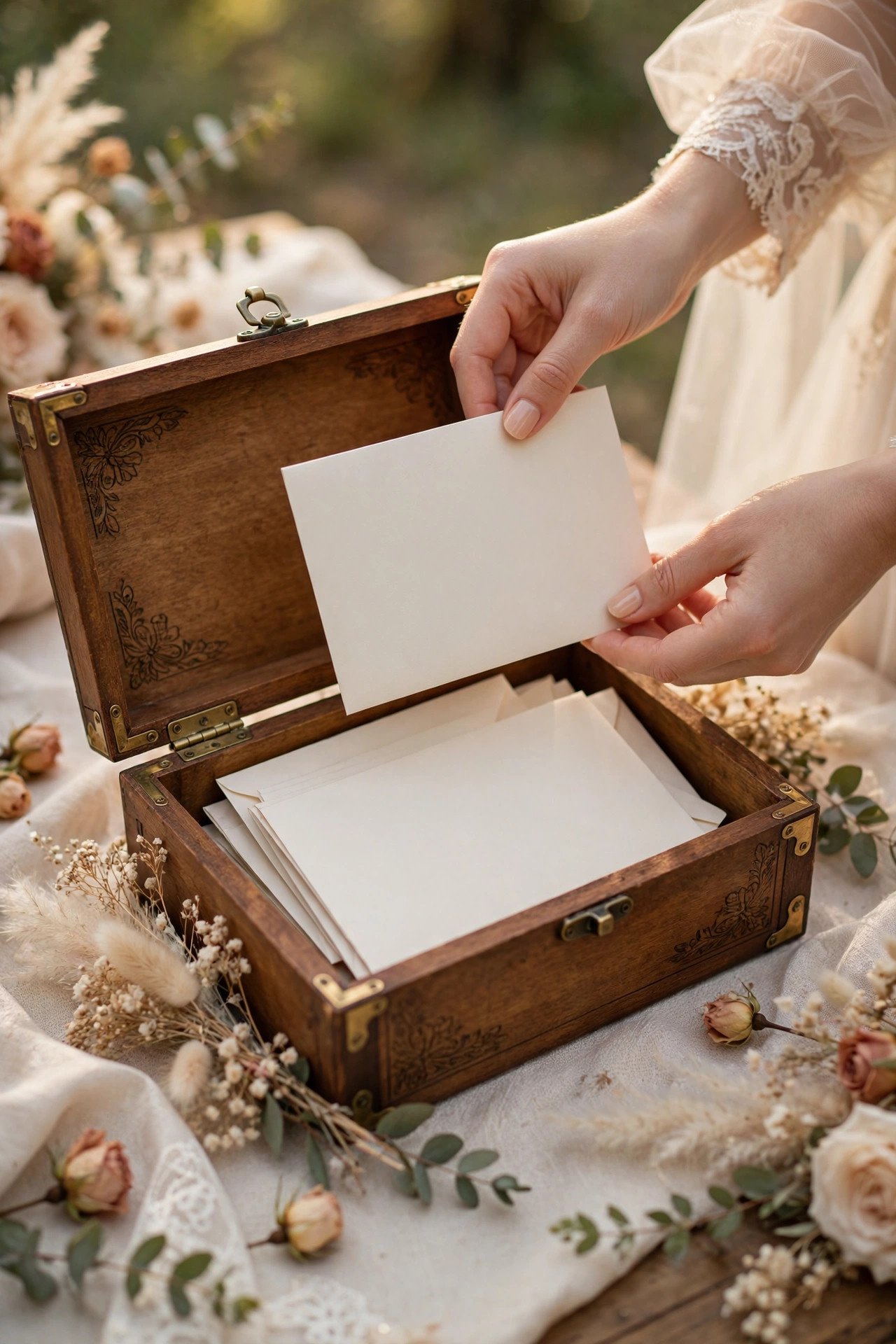
The Anniversary Time Capsule Page
 📌 Save
Close the site with a time capsule: a form where guests leave messages the site reveals — or emails to you — on your first anniversary. It costs nothing, takes guests two minutes, and manufactures a wave of wedding-day love exactly when newlywed life is most ordinary.
30 Wedding Website Ideas FAQs
What pages does every wedding website need?+
The essentials: a home page with names, date, and venue; the schedule; travel and hotel details; an FAQ page; online RSVP; and the registry. Everything else in this guide is an upgrade — add the ideas that solve your wedding’s specific problems, like a weather page for outdoor venues or a traditions explainer for mixed families.
When should we launch our wedding website?+
Launch a basic version with save-the-dates — date, city, and hotel block — then complete it before invitations mail. Guests book travel the moment they save the date, so the travel hub matters earlier than the story pages.
Should our wedding website have a password?+
If you value privacy or have any concern about uninvited attention, yes — most builders offer a password or search-engine hiding. Share the password on the invitation insert. Couples in public-facing jobs often password the whole site; others hide only the schedule and RSVP pages.
How do we get guests to actually visit the website?+
Put the address and a QR code on the save-the-date and the invitation insert, mention one specific reason to visit — ‘hotel block closes March 1’ beats ‘see our website’ — and send one reminder when deadlines approach. Specific, dated reasons outperform general invitations every time.
What do we do with the website after the wedding?+
Give it a second act: a thank-you message, the professional photo gallery, the candid photo hub, and any celebration follow-ups. Keep it live at least a year — guests return for photos for months, and the site becomes the wedding’s permanent, findable home.
Key Takeaways
- Build the utility pages first: FAQ, smart RSVP, travel hub, and live updates delete the most work.
- Delight pages — story timeline, party bios, proposal story — make guests feel close before the day.
- Answer policies once, in writing: kids, plus-ones, unplugged, dress code with photos.
- Specific dated reasons (‘hotel block closes March 1’) drive more visits than any design.
- After the wedding, convert the site into the thank-you and gallery home and keep it live a year.
Final Thoughts
The perfect wedding website is not the prettiest one — it is the one guests actually use and the couple barely has to think about after building it. Steal the hard-working pages, add two or three that sound like you, and let the site carry the questions while you carry on getting married.