Adding Your Registry (2027)
By zainzari • Published October 23, 2026 • Updated October 23, 2026
 📌 Save
Adding your registry to your wedding website takes five core moves: build the registries first, gather every link on one dedicated page, add a small graceful mention on the homepage, include gifts across price bands with group gifting for big items, and keep the wording warm and pressure-free. These 25 steps cover setup, etiquette, maintenance, and the thank-you tracking that follows.
Guests want to give you something you will actually use — your website’s job is to make that easy without ever making it feel demanded. The line between helpful and pushy is placement and wording, and both are entirely within your control.
Follow these steps in order: build and balance the registry itself, place it thoughtfully on the site, write the gracious words around it, and then maintain it as gifts are bought so late shoppers never face an empty list.
At a Glance: Step, Stage & Focus
| # | Registry Step | Stage | Focus | Impact |
|---|---|---|---|---|
| 1 | Choose Your Stores Before You Build Pages | Setup | Store selection | Setup |
| 2 | Add Registry Links to the Registry Page | Setup | One home for links | Setup |
| 3 | Add a Small Registry Mention on the Homepage | Setup | Tasteful signpost | Setup |
| 4 | Use a Universal Registry for Everything Else | Setup | One-list convenience | Setup |
| 5 | Offer a Cash or Honeymoon Fund Tastefully | Etiquette | Fund wording | Etiquette |
| 6 | Include Gifts at Many Price Points | Etiquette | Balanced bands | Etiquette |
| 7 | Add Group Gifting for Big-Ticket Items | Setup | Shared splurges | Setup |
| 8 | Register for More Than You Expect | Setup | A generous list | Setup |
| 9 | Keep the Link Off the Invitation Itself | Etiquette | Invitation manners | Etiquette |
| 10 | Put the Website URL on the Details Card | Setup | The signpost card | Setup |
Stage guide: setup steps happen before the site launches; etiquette steps shape how the registry reads; maintenance steps keep it useful from the first gift to the last thank-you note.
Choose Your Stores Before You Build Pages
 📌 Save
Decide your two or three registries before touching the website, mixing one broad department-style store, one home specialist, and optionally one experience or cash fund. Too many registries fragment the list and confuse guests; too few and price variety suffers.
Add Registry Links to the Registry Page
 📌 Save
Create one dedicated registry page holding every link, each with the store name, a one-line note on what you registered for there, and a clear button. Guests should reach any registry within two taps of landing on your site.
Add a Small Registry Mention on the Homepage
 📌 Save
A single understated line or small section on the homepage — ‘Registry details live here’ with a link — helps guests who land and leave quickly. Keep it below the date, venue, and RSVP call to action, where priorities belong.
Use a Universal Registry for Everything Else
 📌 Save
A universal registry tool lets you add items from stores without formal registry programs — the local potter, the outdoor shop — onto one tidy list. Add it as an additional link, labeled clearly, rather than a fourth full registry.
Offer a Cash or Honeymoon Fund Tastefully
 📌 Save
If you would prefer experiences or help toward a home, say so plainly and warmly on the registry page, with the fund link presented as one option among gifts. Guests respect honesty far more than hints dropped through relatives.
Include Gifts at Many Price Points
 📌 Save
Stock your list generously in the under-$25, $25–$75, and $75–$150 bands, with a few splurges above. Most guests shop in the middle bands, and an empty-looking middle is what makes registries feel expensive.
Add Group Gifting for Big-Ticket Items
 📌 Save
Enable group gifting on the two or three large items — the stand mixer, the luggage set — so friends can chip in together. It converts an awkwardly expensive item into a fun collective present.
Register for More Than You Expect
 📌 Save
Register for roughly twice as many gifts as guests, across all bands. A well-stocked list prevents the late-shopper scramble and the well-meant but random off-list purchase.
Keep the Link Off the Invitation Itself
 📌 Save
Traditional etiquette keeps registry mentions off the invitation suite itself; the website — linked on the details card — is its proper home. Guests who want it know exactly where to look, and nobody reads your invitation as a gift request.
Put the Website URL on the Details Card
 📌 Save
Print the website address clearly on the details or enclosure card, with a line like ‘For details, travel info, and to RSVP, please visit…’ That single signpost is how most guests will ever find your registry page.
Write a Gracious Registry Welcome Note
 📌 Save
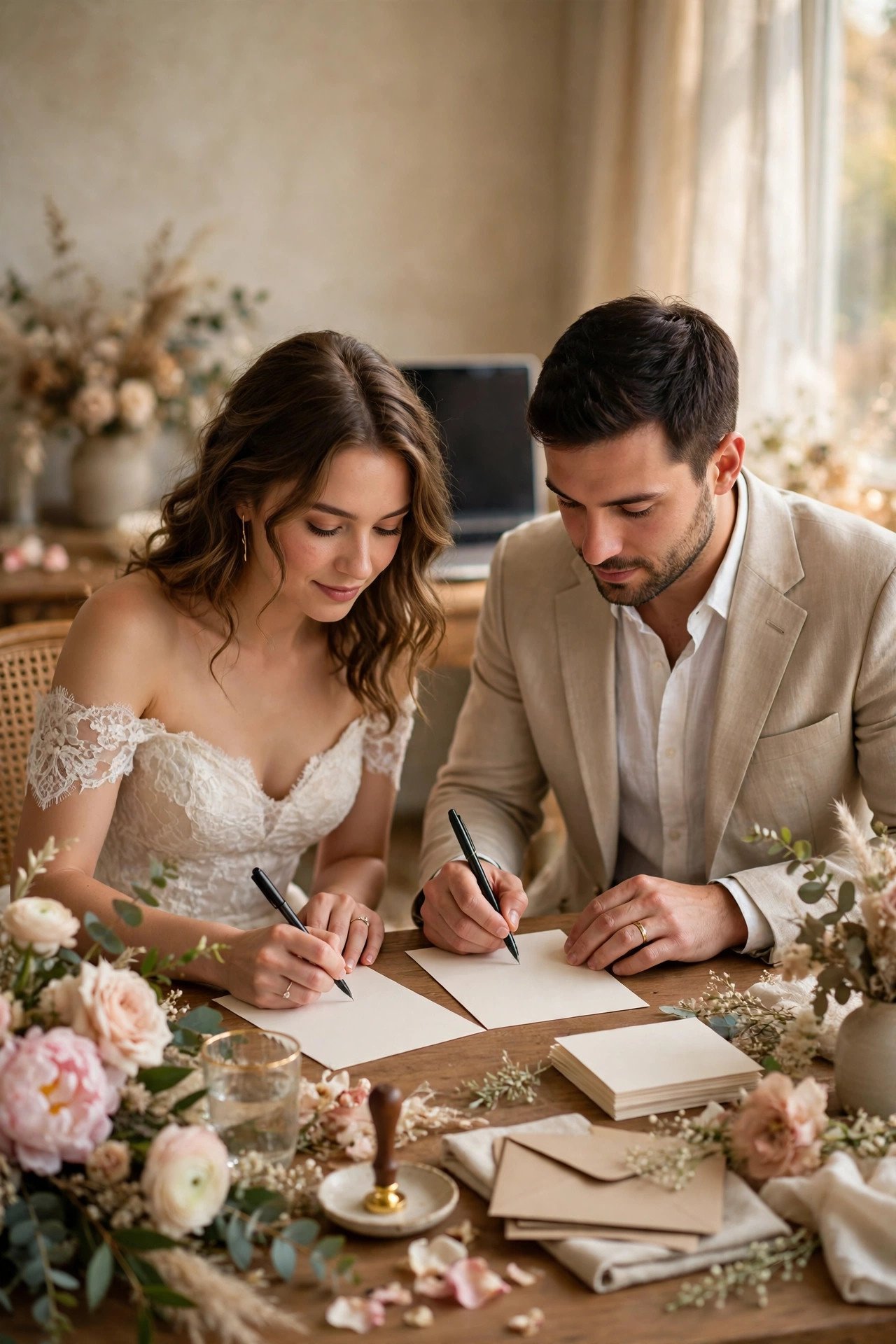
Open the registry page with two or three sentences of genuine gratitude: their presence matters most, gifts are optional, and here is where to look for those who asked. Tone is set in the first lines guests read.
Add a Charity Option for Generous Guests
 📌 Save
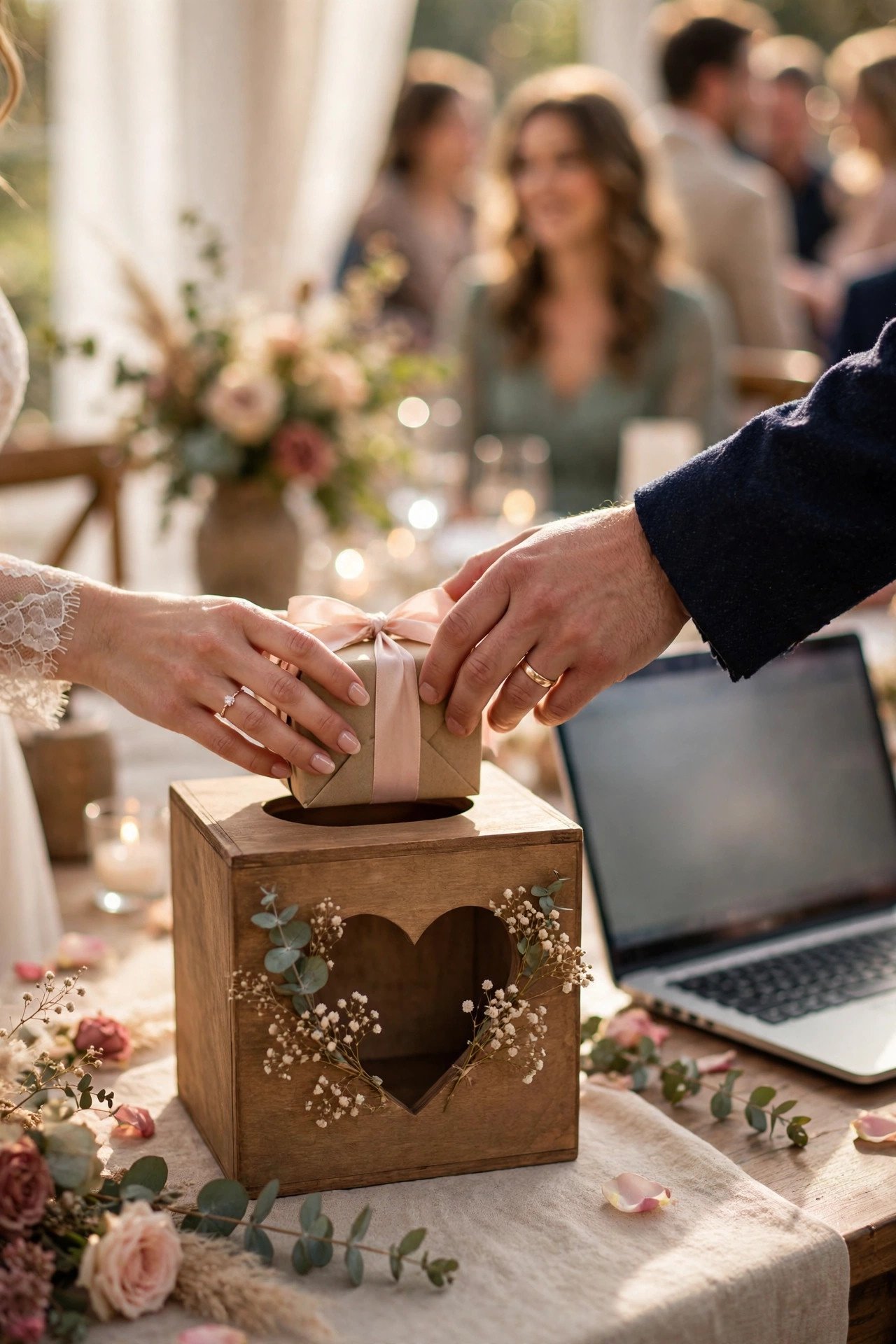
Offer one charity close to your hearts as an alternative to a physical gift. Some guests, especially those traveling far, prefer it — and it says something lovely about the couple on a page that is otherwise about receiving.
Update the Registry as Gifts Are Bought
 📌 Save
Glance at the registry every couple of weeks and top up sold-out bands, especially affordable items. Guests shopping in the final month should never land on a picked-clean list and improvise.
Check Completion Discounts Near the Date
 📌 Save
Most registries offer a completion discount on remaining items after the wedding. Note each store’s discount window in your planner, and align any big planned purchases — the good knives, the bedding — to fall inside it.
Link Shipping to Your Post-Wedding Address
 📌 Save
Set registry shipping to the address where you will actually live after the wedding, so gifts do not pile up at a pre-wedding rental or a parent’s hallway. Update it immediately if your moving plans change.
Turn On Thank-You Tracking
 📌 Save
Use each registry’s gift tracker so every purchase is recorded with the giver’s name the moment it happens. Future you, writing thank-you notes in a post-honeymoon haze, will be profoundly grateful.
Add Experience Gifts and Date Nights
 📌 Save
Sprinkle in experiences — a cooking class, a theatre voucher, a national-parks pass — for guests who love giving memories. They also give your registry personality: this list starts to read like the marriage it is furnishing.
Include Practical Upgrades You Will Use
 📌 Save
Register for the upgrades your daily life actually wants — better pillows, a second set of everyday dishes, luggage that survives airports. Couples consistently report the practical gifts are the ones still earning thanks a decade later.
Coordinate With Your Shower Hosts
 📌 Save
Tell your shower hosts which registry is best stocked for the shower date, so guests find plenty in the lower bands. One quick message prevents the shower-week list from being emptied by early wedding shoppers.
Share the Link With Parents for Word of Mouth
 📌 Save
Give both sets of parents the registry page link and permission to share it when relatives ask — because relatives will ask them, not you. This is the traditional, etiquette-approved route for registry information to travel.
Test Every Registry Link on Mobile
 📌 Save
Click through each registry from your phone exactly as a guest would, all the way to a product page. Mobile store sites and app redirects break more registry journeys than any other step in this guide.
Add Registry Info to Your FAQ Page
 📌 Save
Answer ‘Where are you registered?’ once, gracefully, on the FAQ page, pointing to the registry page rather than listing stores inline. It keeps the FAQ elegant and funnels every gift question to the right place.
Re-Check Stock a Month Before
 📌 Save
A month out, scan for discontinued items and sold-out staples, and replace like with like. Retailers quietly retire products mid-season, and a registry full of dead links reads as neglected.
Close or Pause Registries After the Wedding
 📌 Save
After the wedding, use completion discounts on what you still want, then close or pause the lists. Leaving registries live indefinitely confuses anniversary shoppers — or delights them, if you keep a tiny wish list instead.
Say Thank You on the Website Too
 📌 Save
Replace the registry page’s welcome note after the wedding with a heartfelt thank-you and a link to the photo gallery. Guests who gave from the list often return to the page, and gratitude is the right thing for them to find.
Adding Your Registry (2027) FAQs
Is it rude to put registry information on our wedding website?+
No — the website is the accepted, expected home for registry links. Etiquette only objects to printing registry details on the invitation itself. A dedicated page, signposted from the details card, is exactly how modern guests hope to find it.
How many registries should we link?+
Two or three is the sweet spot: enough for price and taste variety, few enough that guests are not overwhelmed. Add a universal list or cash fund as a clearly labeled extra rather than a fourth full registry.
What price range should our gifts be?+
Stock generously across bands — plenty under $25, a strong middle from $25 to $150, and a few splurges with group gifting enabled. Guests’ budgets vary widely; a balanced list lets everyone give comfortably.
Can we ask for cash instead of gifts?+
Yes, with warm, plain wording on the registry page: what the fund is for and how much it means to you. Present it as one option alongside physical gifts, never as the only option, and never print it on the invitation.
When should the registry go live on the website?+
Before save-the-dates or shower invitations go out, whichever is first — shower guests shop earliest. Keep it updated from then on, topping up sold-out price bands every few weeks.
Key Takeaways
- One registry page, every link, reachable within two taps.
- Keep registry mentions off the invitation; the details card signposts the site.
- Balance price bands and enable group gifting for splurges.
- Ship gifts to your post-wedding address, not your current hallway.
- Turn on gift tracking from day one — thank-you notes depend on it.
Final Thoughts
A registry page done well feels like a favor you are doing your guests, because it is: clear links, fair prices, warm words, and no pressure anywhere in sight. Build it once with care, tend it lightly, and let generosity travel the easy path you have laid out for it.