Digital Wedding Invitations 101 (2027)
By zainzari • Published October 23, 2026 • Updated October 23, 2026
 📌 Save
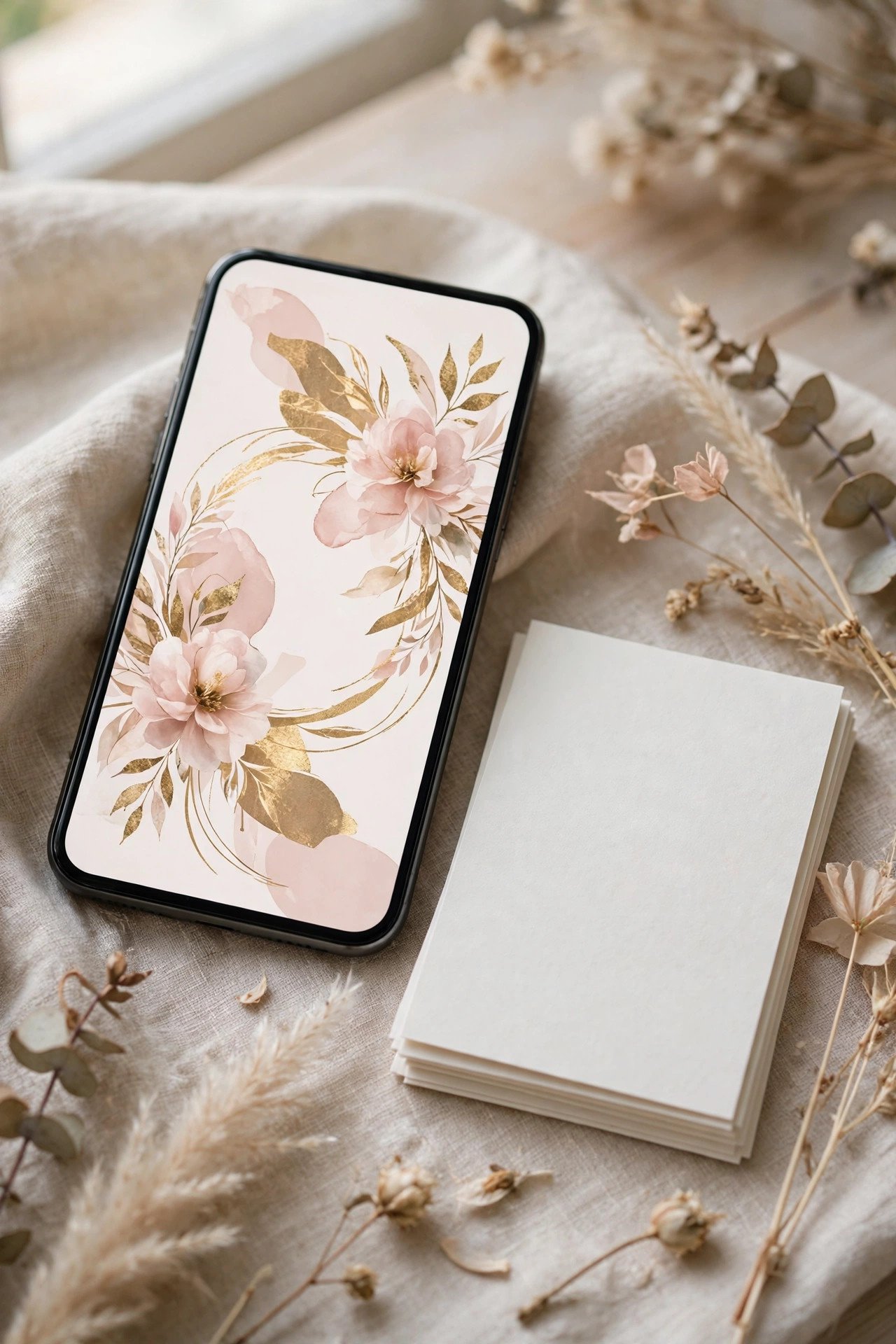
Digital wedding invitations are full invitation suites delivered by email, text, or a wedding website link instead of post — complete with animated designs, one-tap RSVPs, maps, and registries. In 2027 they typically cost a fraction of printed suites, arrive instantly, and track responses automatically; most couples pair them with a small run of paper invitations for grandparents and keepsakes.
Digital invitations have grown up. Today’s designs animate, play music, match your paper goods, and quietly do the administrative work — collecting RSVPs, meal choices, and song requests — that used to take couples weeks of phone calls.
This 101 walks the whole journey: choosing a platform, designing well, sending correctly, handling the relatives who live offline, and avoiding the handful of mistakes that give digital a bad name.
At a Glance: Each Topic, What It Covers & Who Needs It
| # | Topic | Covers | Best For |
|---|---|---|---|
| 1 | What Counts as a Digital Invitation in 2027 | Formats & delivery | Every couple |
| 2 | The Big Platforms Compared (Without the Hype) | Platform types | Choosing couples |
| 3 | What Digital Invitations Actually Cost | Pricing models | Budget planners |
| 4 | Designing Digital: Animation, Envelopes & the Tap-to-Open Moment | Design & motion | Design-focused couples |
| 5 | Matching Your Digital Suite to Your Paper Goods | Design cohesion | Style-led couples |
| 6 | Sending by Email: Subject Lines & Deliverability | Email sending | Email-first couples |
| 7 | Sending by Text Message: Fast, Casual, Effective | Text sending | Casual weddings |
| 8 | The Wedding Website as Invitation Hub | Website strategy | Every couple |
| 9 | One-Tap RSVPs & Automatic Headcounts | RSVP tracking | Every couple |
| 10 | Reminders That Work (Without Nagging) | Follow-up rhythm | Deadline week |
| 11 | Digital Save-the-Dates: The Perfect First Step | Early announcement | Long timelines |
| 12 | The Hybrid Plan: Digital for Most, Paper for Some | Mixed delivery | Most couples |
| 13 | Grandparents & Offline Guests: The Respectful Workarounds | Inclusion | Mixed-age lists |
| 14 | Digital Etiquette: Is It “Proper” Yet? | Etiquette norms | Formal-leaning couples |
| 15 | What Digital Invitations Should Never Carry | Etiquette rules | Every couple |
| 16 | Accessibility: Fonts, Contrast & Older Eyes | Readable design | All-ages lists |
| 17 | Privacy & Guest Data: What to Check Before You Send | Data care | Every couple |
| 18 | Collecting Addresses (and Emails) Without Losing Your Mind | List building | Early planning |
| 19 | Digital Invitations for Formal Weddings: Doing It Elegantly | Formal execution | Formal weddings |
| 20 | Casual Digital: Group-Friendly Designs & Playful Touches | Playful design | Casual weddings |
| 21 | Eco & Budget Angles: Saying It Honestly | Values & framing | Eco-minded couples |
| 22 | Day-Of Updates: Digital’s Secret Superpower | Live updates | Outdoor & destination |
| 23 | Troubleshooting: Bounces, Spam Folders & Wrong Addresses | Delivery fixes | After sending |
| 24 | Digital Thank-Yous: Where the Line Is | Post-wedding etiquette | After the wedding |
| 25 | Your Digital Invitation Checklist, Start to Send | Full checklist | Before sending |
The golden rule of digital: the invitation may be paperless, but the courtesy must be complete — full details, an easy reply path, and a human backup for anyone offline.
What Counts as a Digital Invitation in 2027
 📌 Save
A digital invitation is the complete invitation — ceremony details, reception information, RSVP, and registry links — delivered electronically rather than by post. Couples send it by email, by text message with a link, or through their wedding website, often all three. The design itself mirrors a paper suite, from the “envelope” animation guests tap open to matching details pages.
The Big Platforms Compared (Without the Hype)
 📌 Save
The leading platforms differ in personality more than power. Paperless Post and Greenvelope lead on design that mimics fine paper, including paid designer collections. Zola and With Joy fold invitations into a free full wedding website with registries attached. Evite and Punchbowl are the budget-friendly, casual end. All handle RSVPs and reminders; the real differences are design depth, per-guest pricing, and how formal the result can look.
What Digital Invitations Actually Cost
 📌 Save
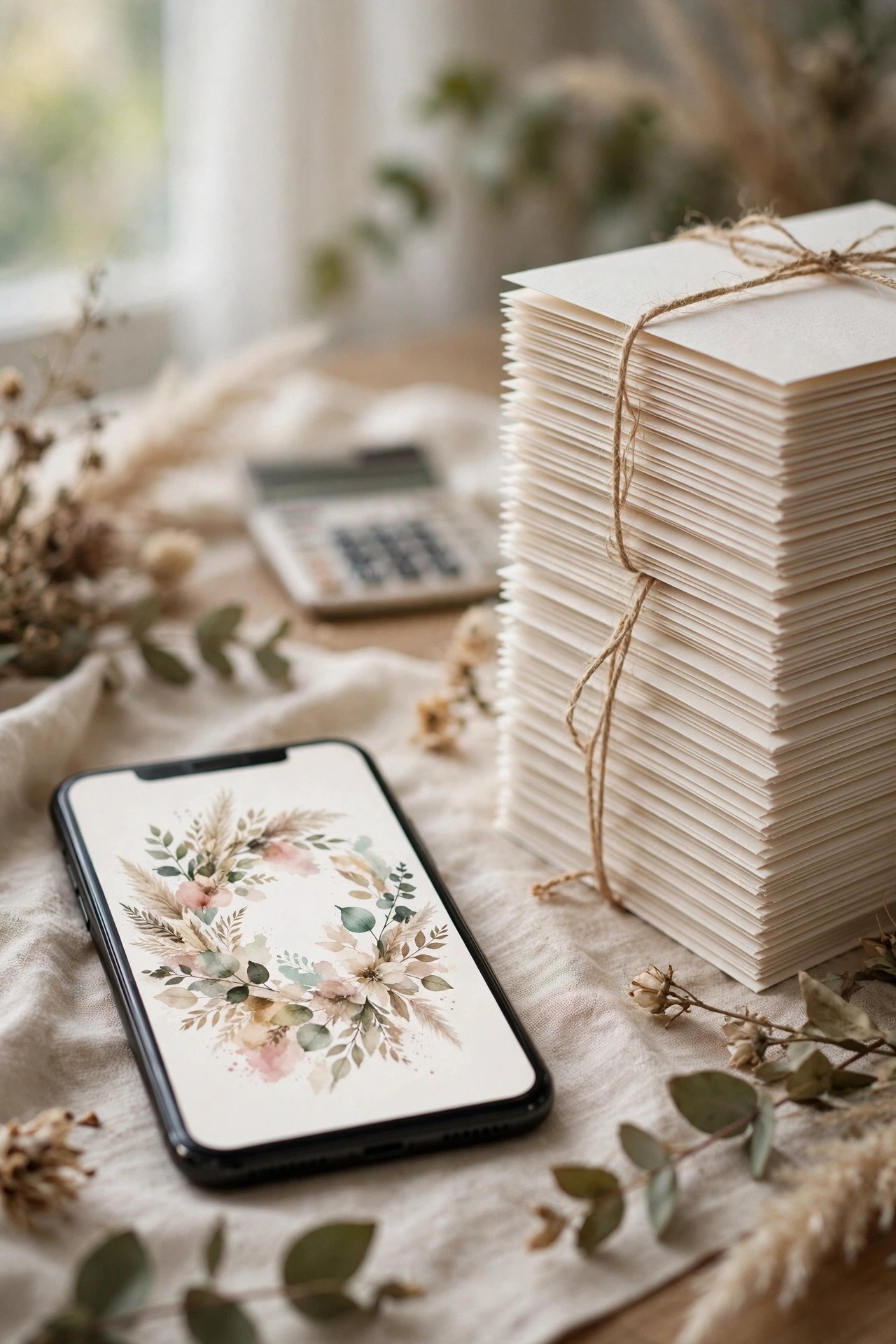
Most couples spend somewhere between free (website-bundled invitations) and roughly $1–$2 per guest on premium platforms that charge in “coins” or credits per send, while a comparable printed suite with postage commonly runs several times that per household. Add-ons — custom design uploads, premium envelopes, extra reminder sends — nudge the total up, but digital remains the single biggest stationery saving available to most couples.
Designing Digital: Animation, Envelopes & the Tap-to-Open Moment
 📌 Save
Digital suites recreate the paper ritual: guests receive a sealed “envelope” (often with a liner and stamp motif), tap to open it, and the invitation animates in. Use that moment — choose a liner that matches your wedding colors and a hero design that mirrors your day-of paper. Subtle motion (a fade, a gentle bloom opening) reads elegant; spinning text and confetti cannons read birthday party.
Matching Your Digital Suite to Your Paper Goods
 📌 Save
The most polished 2027 weddings run a single design across the digital invitation, ceremony programs, menus, and signage. Many stationers now sell matched sets: they design your suite once, deliver it as digital invitations, and print the day-of pieces from the same files. Even without a stationer, carry the same two fonts, colors, and motif through every piece guests touch.
Sending by Email: Subject Lines & Deliverability
 📌 Save
Email remains the most reliable channel: use a subject line with both names and the word wedding — “Emma & Dan are getting married — you’re invited!” beats a mysterious “You’re invited.” Send from the platform (not a bulk forward), stagger sends if your list is large, and tell close family to expect it so the message never sits unopened in a promotions tab.
Sending by Text Message: Fast, Casual, Effective
 📌 Save
Text invitations suit casual and younger-skewing weddings: open rates are near-instant and the link lands guests directly on the RSVP. Text works best as one of two touches — the main invitation for close, phone-native guests, or a friendly follow-up (“Your invite is in your email — here’s the link again!”) for anyone who hasn’t opened the email after a week.
The Wedding Website as Invitation Hub
 📌 Save
Whether your invitation is digital or paper, the website is the living hub behind it: full addresses with map links, the weekend schedule, hotel block codes, registry links, and an FAQ that absorbs the questions guests would otherwise text you. Digital invitations shine here because the invitation and the hub are the same click — no typing a URL from a paper card.
One-Tap RSVPs & Automatic Headcounts
 📌 Save
Digital RSVPs collect acceptances, meal choices, plus-ones, and song requests in one form, then total everything into a dashboard your caterer will adore. Set the form to name each invited guest individually — it quietly enforces your guest list, because a guest can only respond for the people actually listed on their invitation.
Reminders That Work (Without Nagging)
 📌 Save
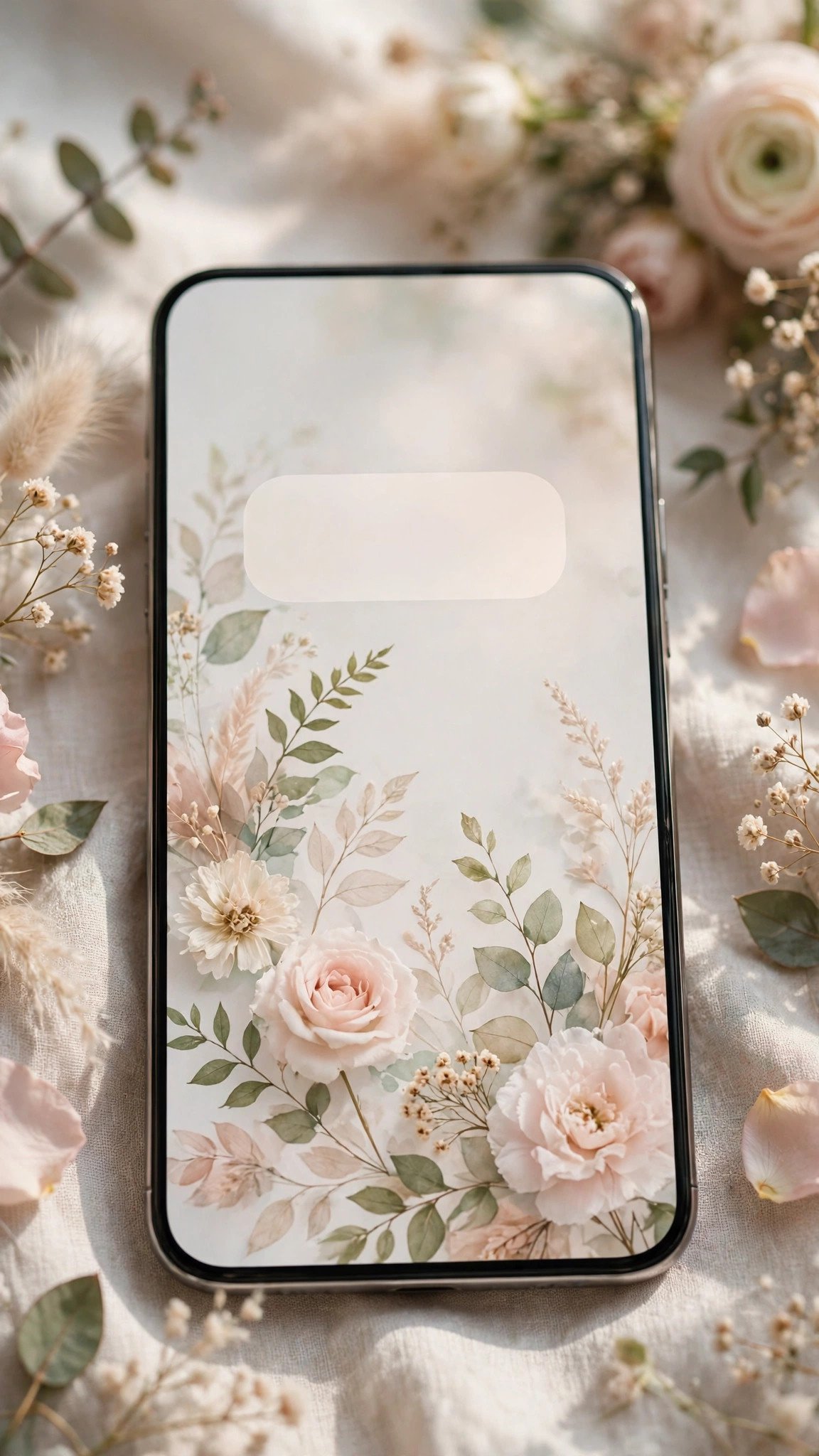
Platforms let you message non-responders in two taps. The rhythm that works: a cheerful group reminder two weeks before the deadline (“Can’t wait to celebrate — don’t forget to RSVP by May 1!”), then personal messages to stragglers in the final days. Digital makes the first touch effortless, which means the personal second touch can be genuinely warm instead of desperate.
Digital Save-the-Dates: The Perfect First Step
 📌 Save
If any piece of wedding paper was born to be digital, it’s the save-the-date: a beautiful one-screen announcement with an “add to calendar” button that lands the date in guests’ phones six to twelve months early. Many couples go digital for the save-the-date even when the invitation itself will be printed — it also builds your email list for the main event.
The Hybrid Plan: Digital for Most, Paper for Some
 📌 Save
The hybrid plan sends digital invitations to most guests and prints a small run — often 15 to 30 paper suites — for grandparents, parents’ keepsakes, the wedding party, and anyone known to be offline. Everyone receives the same design and the same information; only the medium differs. It captures nearly all of digital’s savings while honoring the people for whom a paper invitation is the wedding’s first treasure.
Grandparents & Offline Guests: The Respectful Workarounds
 📌 Save
For relatives without email or smartphones, the respectful options are simple: a printed copy from your hybrid run, delivered or mailed with love, or a phone call where you walk them through replying (then record their RSVP yourself in the dashboard). What matters is that no guest has to confess they’re struggling with technology in order to attend your wedding.
Digital Etiquette: Is It “Proper” Yet?
 📌 Save
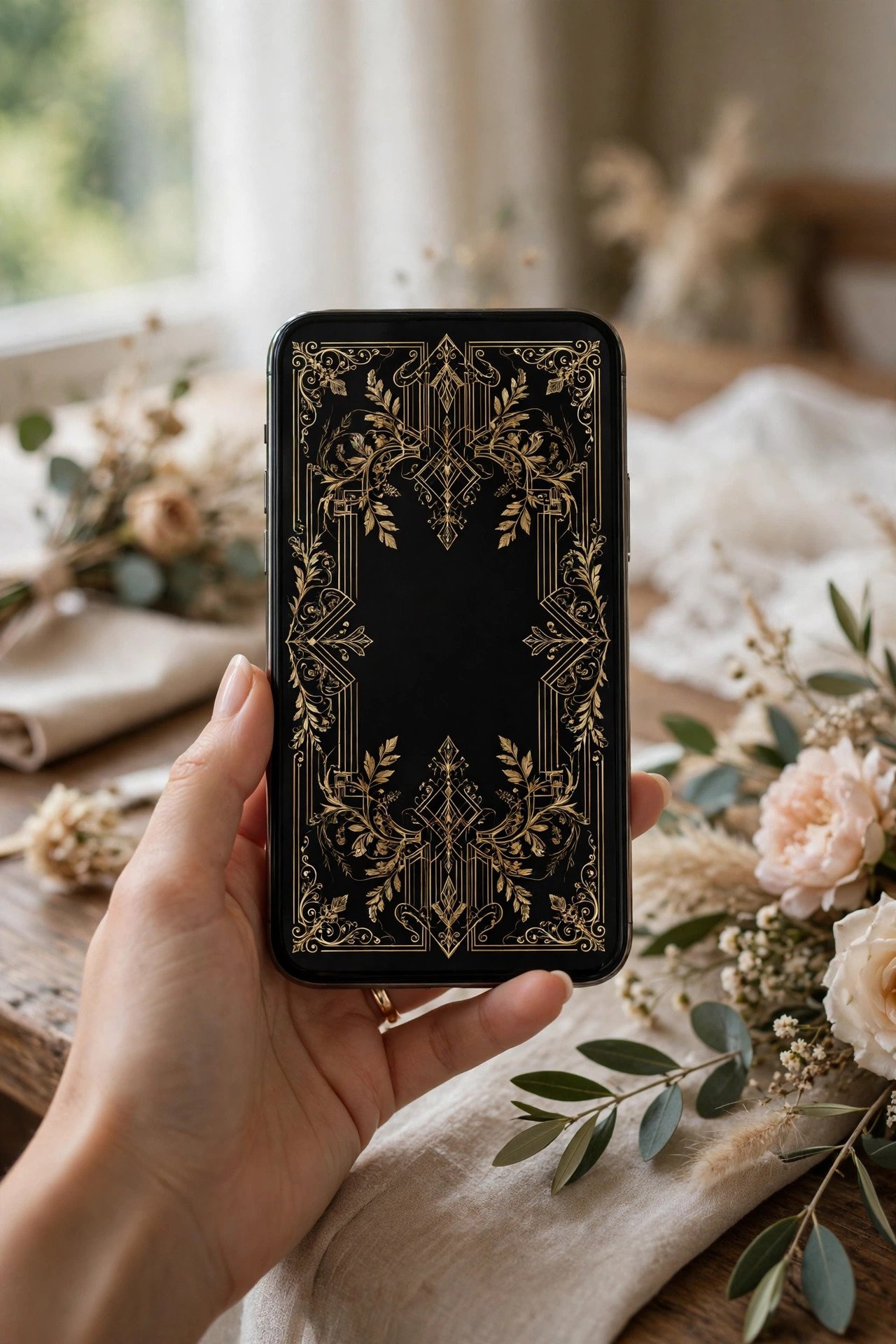
Modern etiquette authorities across the US, UK, and Canada accept digital invitations as proper for most weddings — the courtesy lies in complete information, correct names, and a genuine reply path, not in the paper. The remaining exceptions are practical, not moral: ultra-formal black-tie weddings still read best on paper, and any guest you know is offline should receive a format they can actually open.
What Digital Invitations Should Never Carry
 📌 Save
Digital changes the medium, not the manners: registry links belong on the website the invitation links to — never pasted across the invitation itself; deadlines and “adults-only” notes keep the same kind phrasing as paper; and a digital invitation is never sent by mass-forward or group chat, where names, spellings, and privacy all go to die.
Accessibility: Fonts, Contrast & Older Eyes
 📌 Save
Digital design tempts couples toward pale script on blush backgrounds — gorgeous on a designer’s monitor, unreadable for a grandparent in sunlight. Keep body text at a genuinely readable size, maintain strong contrast behind every line that carries information, and put the critical facts (date, time, address) in a clean typeface even if the headlines wear the fancy script.
Privacy & Guest Data: What to Check Before You Send
 📌 Save
Before uploading your guest list anywhere, check three things: whether the platform sells or shares contact data (the reputable invitation platforms do not), whether your website is password-protected or hidden from search engines, and who can see the RSVP list and registry links. Invite-only links and site passwords are standard features — turn them on.
Collecting Addresses (and Emails) Without Losing Your Mind
 📌 Save
Digital invitations shift the address problem rather than deleting it: you need current email addresses instead of postal ones. Send one short form link to friends and family (“We’re going paperless — drop your best email here”), let parents gather their branches’ contacts, and verify the oldest relatives’ addresses by phone. Start three months before sending; email lists, like postal lists, always take longer than expected.
Digital Invitations for Formal Weddings: Doing It Elegantly
 📌 Save
A formal wedding going digital should borrow paper’s discipline: full names with titles, the correct request line, dates spelled out in the wording, a restrained palette, and a design that imitates fine printing — letterpress-look or foil-look suites from the premium platforms do this convincingly. Delivered by email with a graceful subject line, the result reads as a considered choice rather than a shortcut.
Casual Digital: Group-Friendly Designs & Playful Touches
 📌 Save
Casual weddings get digital’s fun features: a favorite photo as the invitation hero, a link to the couple’s story, even a short welcome video. Keep the playfulness in the frame and the facts dead clear — names, date, time, place, RSVP — and playful digital is unbeatable: guests share it, save it, and actually reply to it.
Eco & Budget Angles: Saying It Honestly
 📌 Save
Couples choose digital for sustainability and savings, and both reasons can be shared with a light touch on the website: “We’ve gone paperless — kinder to the forest, and the savings went to the dessert bar.” What guests respond to is the honesty and the humor; no one needs a lecture, and the paper invitations some guests receive (hybrid plan) don’t contradict the message — they’re keepsakes, not waste.
Day-Of Updates: Digital’s Secret Superpower
 📌 Save
Printed invitations freeze information months ahead; digital channels let you update: a ceremony moved indoors for weather, a shuttle time changed, a parking note added. Platforms let you message all confirmed guests in one send, and your website reflects changes instantly. For outdoor, destination, and winter weddings, this alone justifies a digital layer even in a paper-first plan.
Troubleshooting: Bounces, Spam Folders & Wrong Addresses
 📌 Save
Every platform shows a delivery report — opened, bounced, unopened — and checking it weekly for the first month catches nearly every problem while it’s still cheap to fix: a mistyped email, an invitation in a spam folder (fix: a text with the link), or a guest who never received anything (fix: resend or switch them to paper). Silence is not refusal; most non-responses are delivery problems in a trench coat.
Digital Thank-Yous: Where the Line Is
 📌 Save
A wedding that went digital for invitations tempts couples to go digital for thanks — resist for the wedding gifts themselves. A handwritten note remains the standard guests’ grandparents will judge and everyone will treasure; digital thank-yous are fine for shower texts, engagement gifts from close friends, and quick acknowledgments (“Your gift arrived — a proper note is coming!”) that bridge the gap until the real note lands.
Your Digital Invitation Checklist, Start to Send
 📌 Save
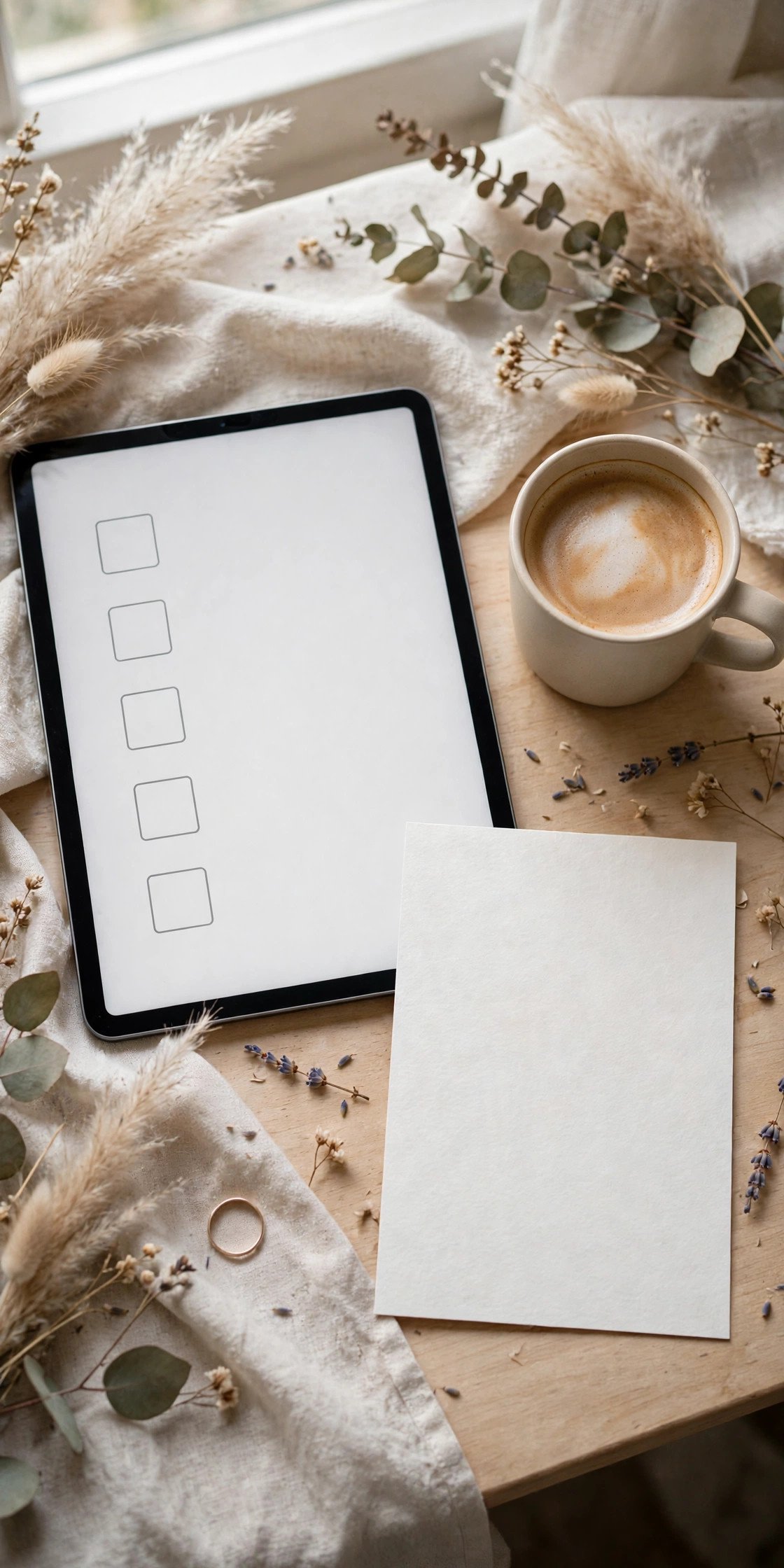
The full sequence: choose the platform by guest experience; price the whole list; design for the smallest phone; match day-of paper; collect emails early; test-send to yourselves on three devices; send with a names-plus-wedding subject line; watch the delivery report weekly; nudge non-openers by text; and keep a paper stack ready for anyone who needs one. Followed in order, digital invitations feel effortless — because the effort all happened before the send.
Digital Wedding Invitations 101 FAQs
Are digital wedding invitations considered tacky?+
Not anymore. Etiquette authorities in the US, UK, and Canada now accept digital invitations as proper for most weddings; what guests judge is execution — complete details, correct names, an easy RSVP, and a paper option for anyone offline. A beautifully designed digital suite with a hybrid paper run for family is the 2027 mainstream, not a compromise.
How much do digital wedding invitations cost compared with paper?+
Typically a fraction of paper. Website-bundled invitations can be free, and premium platforms generally run around $1–$2 per guest, while printed suites with envelopes and postage commonly cost several times more per household. Exact pricing varies by platform and design tier, so price your full guest list on two finalists before you commit to a design.
What do we do about grandparents who don’t use email?+
Give them the wedding the way they can receive it: a printed invitation from a small hybrid run, or a phone call walking them through the details while you record their RSVP yourself. Ask older relatives early whether they’d prefer paper or digital, keep a list of their answers, and never let a guest have to struggle with technology to attend.
When should digital invitations be sent?+
On the same schedule as paper: six to eight weeks before the wedding (three to four months for destination weddings), preceded by a save-the-date six to twelve months out. Digital delivery is instant, but guests’ calendars, childcare, and travel plans are not — the courtesy of notice matters just as much as with post.
Can digital invitations handle plus-ones and meal choices?+
Yes — this is where digital outperforms paper. Well-designed RSVP forms list each invited guest by name, so plus-ones are controlled by the invitation itself, and meal choices, song requests, and notes collect into an automatic tally for your caterer. Set the form up carefully once, and the headcount work largely does itself.
Key Takeaways
- Digital invitations deliver the full suite by email, text, or website — with one-tap RSVPs and automatic headcounts paper can’t match.
- Judge platforms by the guest’s ten-second test: date, venue, and RSVP findable immediately on a small phone.
- The hybrid plan — digital for most, a small matching paper run for family and offline guests — is the 2027 standard.
- Etiquette travels with the medium: complete information, kind phrasing, registry on the website, and never an app download required to reply.
- Watch the delivery report weekly and reach non-openers through a second channel; most silence is a spam folder, not a snub.
Final Thoughts
Digital invitations succeed when they’re treated with the same care as paper — designed beautifully, worded completely, and sent with every guest in mind. Do that, and the medium disappears: what guests remember is a gorgeous invitation that was effortless to answer.
Choose your platform, run the checklist, and send with confidence. The future of wedding stationery is already in your guests’ pockets.