Using QR Codes (2027)
By zainzari • Published October 23, 2026 • Updated October 23, 2026
 📌 Save
A wedding website QR code works when it does one job per placement: on the invitation it opens your website, on a table sign it opens photo sharing, at the door it opens the seating chart. These 25 ideas cover design, printing, testing and backups so every guest — scanner or not — gets where they need to go.
QR codes quietly became standard wedding infrastructure: a 2027 guest expects the invitation’s code to open the website and the reception sign to open the photo album. Used well, they remove typing, typos and ‘what’s the link again?’ texts entirely.
Used badly — tiny, low-contrast, linking through an expiring free generator — they embarrass you in print forever. The rules below are simple: one code, one job; test on real phones; always print the short URL underneath for the guests who will never scan anything.
At a Glance: Placement, Purpose & Priority
| # | Idea | Placement | Purpose | Effort |
|---|---|---|---|---|
| 1 | Why Couples Add a QR Code | The case | Practical | Easy win |
| 2 | Where the Code Should Link | Destination | Practical | Quick to add |
| 3 | Printing Codes on Invitations | Invitations | Classic | Guest favorite |
| 4 | QR Codes on Save-the-Dates | Save-the-dates | Early | Essential |
| 5 | Signage at the Ceremony | Ceremony | Wayfinding | High impact |
| 6 | Reception Table Signs | Tables | Interactive | Simple step |
| 7 | Linking Straight to the RSVP Page | RSVP | Timing | Worth it |
| 8 | Codes for Photo Sharing | Photos | Interactive | Low effort |
| 9 | Codes for the Song Request Form | Music | Interactive | Smart move |
| 10 | Designing a Code That Matches Your Suite | Design | Style | Must-have |
Never let a QR code be the only path to essential information. The printed short URL underneath is not decoration — it is accessibility.
Why Couples Add a QR Code
 📌 Save
Typing a long website URL from a paper invitation is where guests give up. A code removes the friction entirely — point, tap, done — and modern phones scan natively with no app. That is the whole argument, and it is enough.
Where the Code Should Link
 📌 Save
One code should land on one page: invitations link to the website home or RSVP page, signage links to its specific tool. Deep-linking to the exact page respects the guest’s time and lifts completion rates.
Printing Codes on Invitations
 📌 Save
Place the code on the details card rather than the formal invitation itself — tradition stays intact, function gets its square. Pair it with one line: ‘Scan for directions, hotels and RSVP.’ Guests scan what they understand.
QR Codes on Save-the-Dates
 📌 Save
Save-the-dates are the natural first code: they launch the website, start hotel bookings early and collect addresses if your site supports it. Magnets with codes live on fridges for months — free reminders.
Signage at the Ceremony
 📌 Save
A welcome sign with a code linking to the program, readings or a map of the grounds serves guests the moment they arrive. It also rescues latecomers who missed the paper program handout.
Reception Table Signs
 📌 Save
Table tent codes shine for photo sharing, song requests and the digital guest book. One code per table doing one job outperforms a frame listing four. Keep the ask in six words or fewer: ‘Share your photos with us.’
Linking Straight to the RSVP Page
 📌 Save
The highest-value code in the suite points directly at the RSVP form. Couples consistently see faster, more complete replies when guests land on the form in one tap instead of navigating a menu.
Codes for Photo Sharing
 📌 Save
A shared album code at the bar, the guest book table and the exit turns every guest phone into a second photographer. Print the same code in several spots; the candid harvest is worth the frames.
Codes for the Song Request Form
 📌 Save
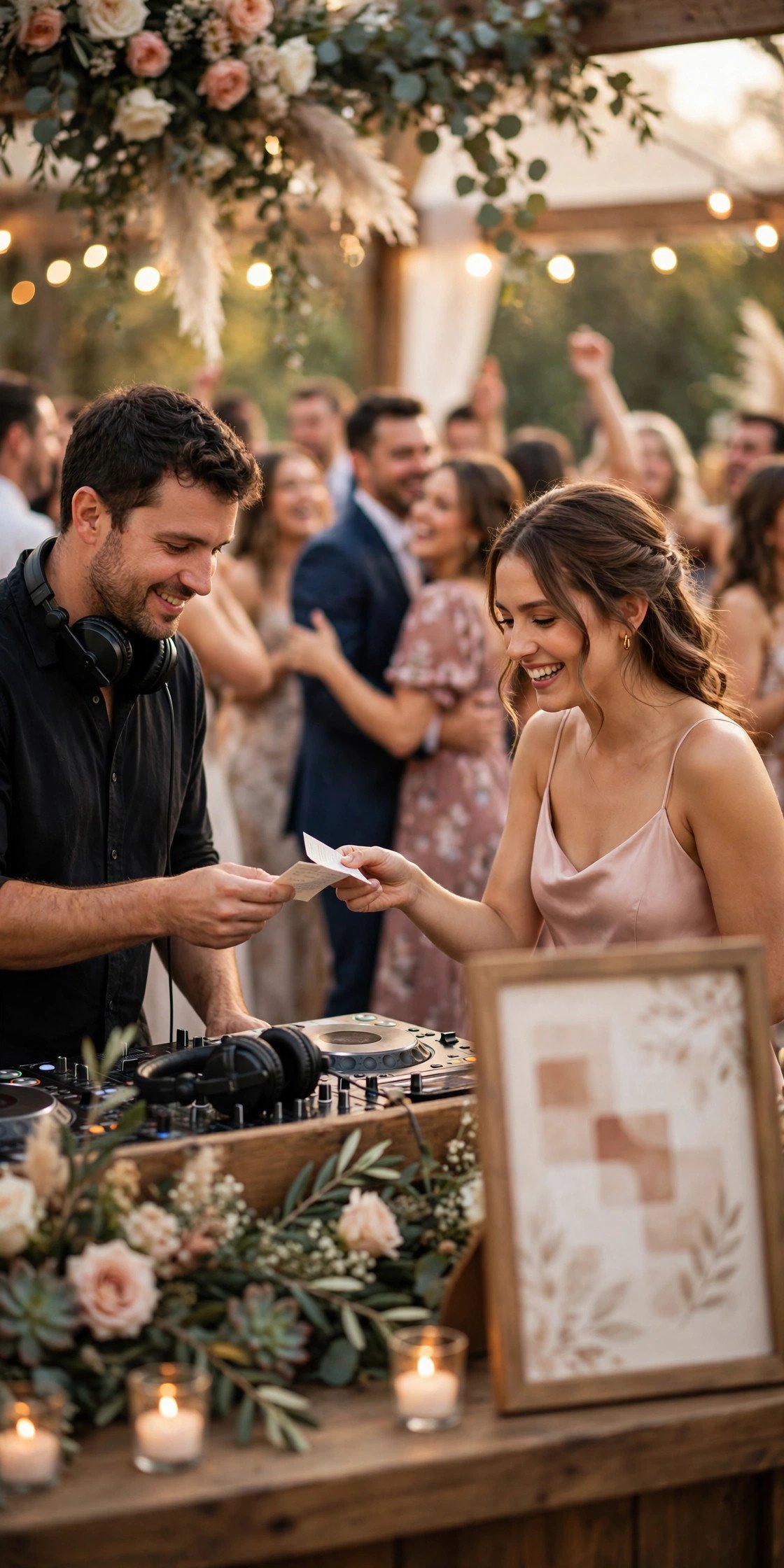
A small sign by the coffee bar or dessert table — ‘Request a song’ — feeds your DJ a live wishlist and keeps guests dancing. Link a short form with one field so requests take ten seconds.
Designing a Code That Matches Your Suite
 📌 Save
Codes can wear your colors: a deep rose code on blush card scans perfectly and looks intentional. What you cannot do is invert it — light code on dark background fails on many phones. Dark modules, light background, always.
Testing With Both iPhone and Android
 📌 Save
Scan every final code with the oldest iPhone and the cheapest Android you can borrow. Budget Android cameras are the strictest test — if it scans there, it scans everywhere your guests will try.
Print Size and Contrast Rules
 📌 Save
Minimum 2 cm for close-range pieces, 3 cm or more for signs read at arm’s length, and a quiet white margin around the code — the ‘quiet zone’ — that no border or flourish may invade. These three rules prevent nearly all failures.
Adding a Short URL Underneath
 📌 Save
Every code gets a human line under it: ‘ourwedding.com/rsvp’. Some guests cannot scan, some will not, and some phones die. The short URL is not a fallback for failures — it is equal access by design.
Framed Signs vs Tent Cards
 📌 Save
Frames suit entrances and bars where guests stand; tent cards suit tables where guests sit. Match the format to the dwell time — a code nobody lingers near is a code nobody scans.
Codes on Programs and Menus
 📌 Save
A discreet code on the back of the program can open the full readings, translations or the couple’s story. On menus it can link to ingredient and allergy information — quietly thoughtful for guests who need it.
One Code or Several?
 📌 Save
Several codes, each with one job, beat one code doing everything. Guests decide in two seconds whether a code is for them; a labeled single-purpose code wins that decision. Label every code with its destination in words.
Tracking Scans Without Being Creepy
 📌 Save
Basic scan counts tell you which signs worked — useful for the thank-you slideshow hunt and future couples. Stop there: no guest-level tracking, no data collection beyond the count. Hospitality and surveillance do not mix.
Free vs Paid QR Generators
 📌 Save
Free static codes are genuinely free forever — the code contains the URL itself. The trap is ‘dynamic’ codes from free trials that route through the vendor and die when the trial ends. For anything printed, use a static code or a paid plan you control.
Avoiding Expired Dynamic Codes
 📌 Save
If you do use a dynamic code — handy when a link might change — set a calendar reminder monthly to confirm it still resolves, and keep the subscription active through a month after the wedding. Print deadlines make this the most expensive mistake on this page.
Accessibility: Always Offer an Alternative
 📌 Save
Some guests have vision impairments, older phones or simple reluctance. The short URL, a paper alternative and a helpful human cover everyone. Add the website address in large print on the day-of signage for good measure.
Codes for the Seating Chart
 📌 Save
A code at the entrance linking to a searchable ‘find your seat’ page ends the crowd-around-the-board bottleneck. Guests type their name, get their table, and drift in calmly with drinks in hand.
Day-Of Signage Checklist
 📌 Save
Walk your venue the week before with a list: welcome sign, program link, seating, photo album, song requests, guest book, exit thank-you. Photograph each placement in your mind’s floor plan and assign who sets each frame.
What Not to Put Behind a Code
 📌 Save
Never gate the essentials: ceremony time, address and RSVP deadline must exist in plain print, not only behind a scan. And never link a code to a registry on an invitation — convenience does not repeal etiquette.
Proofing the Printed Piece
 📌 Save
Proof like a skeptic: scan the physical proof at arm’s length, in bright light and in dim light, with a five-year-old phone. Check the landing page loads fast on data. Only then approve the run.
A Backup Plan If Scans Fail
 📌 Save
Decide in advance: a wedding party member with the links ready to text, the short URL on every sign, and printed essentials at the door. With those three, a failed code becomes a ten-second detour, not a problem.
Using QR Codes FAQs
Where should a wedding QR code link to?+
Each code should land on exactly one page: invitation codes to your wedding website or RSVP form, table codes to photo sharing or song requests, entrance codes to the seating finder. One code, one job, labeled in words beside it.
How big should a printed QR code be?+
At least 2 cm square for items guests hold, and 3 cm or more for signage. Keep a clear white margin around it and strong contrast — dark code on a light background — and always test the printed proof with an older phone.
Are free QR code generators safe for wedding invitations?+
Static codes from free generators are safe because the URL is baked into the code itself. Beware ‘dynamic’ codes from free trials: they redirect through the vendor and can stop working when the trial ends — a disaster in print.
Do we still need to print the website address if we have a QR code?+
Yes, always. Some guests cannot or will not scan, and phones die. A short printed URL under every code is basic accessibility, and essential details like the ceremony time and address should appear in plain print regardless.
What should never go behind a QR code?+
Anything essential: venue address, ceremony time, RSVP deadline. Guests who never scan must still get the full wedding. Registry links do not belong on invitation codes either — convenience never overrides etiquette.
Key Takeaways
- One code, one job — and label the destination in words.
- Print minimum 2 cm, dark on light, with a clear quiet zone.
- Use static codes for anything printed; dynamic codes can expire.
- Always print the short URL underneath for non-scanners.
- Test the physical proof on the oldest phones you can find.
Final Thoughts
QR codes earn their place when they disappear into the experience: a guest points a phone and is simply where they need to be. Give each code one job, print it big and dark, back it with a short URL, and test it like a skeptic — your signage will quietly run itself all day.