20 Wedding Planning Binder Ideas (2027)
By zainzari • Published October 23, 2026 • Updated October 23, 2026
 📌 Save
A great wedding planning binder has tabbed sections for budget, vendors, guests, attire, ceremony, reception and the day itself — with signed contracts in clear sleeves, a payments calendar, an RSVP tracker and an emergency page at the back. These 20 ideas build it section by section, so everything about your wedding lives in one book you can hand to anyone.
Apps are wonderful until your phone dies at a venue with no signal and the florist is asking a question only your contract can answer. A physical binder — contracts, trackers, swatches and timelines in one place — remains the wedding planner’s not-so-secret weapon, and it becomes a keepsake when the planning is done.
Build it in this order: the sections follow the life of the wedding, from money at the front to memories at the back. All you need to start is a sturdy binder, tabbed dividers, clear sleeves and a pencil case that clips inside.
At a Glance: The Binder Idea, What Goes Inside & Why It Earns Its Place
| # | Binder Idea | What Goes Inside | Why It Helps |
|---|---|---|---|
| 1 | A Cover Page With Your Names, Date and Photo | Names, date, photo | Keeps you motivated |
| 2 | Tabbed Sections for Every Planning Area | 8–10 labelled tabs | Find anything in seconds |
| 3 | The Master Budget Tracker Page | Budget vs actual | No money surprises |
| 4 | A Vendor Contact Directory | All contacts, one page | Everyone can help |
| 5 | Signed Contracts in Clear Sleeves | Signed contracts | Disputes end quickly |
| 6 | The 12-Month Checklist Spread | Monthly task lists | Know you are on track |
| 7 | Guest List and Address Pages | Names + addresses | One true guest list |
| 8 | An RSVP Tracking Log | Replies + meals | Feeds seating and catering |
| 9 | A Seating Chart Worksheet With Movable Names | Table plan drafts | Rearrange without tears |
| 10 | Ceremony and Reception Timeline Pages | All schedules | Answers questions for you |
| 11 | A Music and Do-Not-Play List Page | Songs + moments | No music mishaps |
| 12 | Menu, Cake and Tasting Notes | Menu + prices | Final meetings run smoothly |
| 13 | Inspiration Pages With Swatches and Samples | Physical palette | Suppliers match exactly |
| 14 | A Fittings and Attire Tracker | Fittings + sizes | No attire chaos |
| 15 | A Gift and Thank-You Note Log | Gifts + notes | Gratitude without panic |
| 16 | A Payments and Due-Dates Calendar | All balances mapped | No cash-flow shocks |
| 17 | An Emergency Contacts and Day-Of Kit List | Contacts + kit list | Anyone can step in |
| 18 | A Zipper Pocket for Receipts and Cards | Receipts + cards | Proof for everything |
| 19 | A Notes Page for Every Meeting | Meeting records | Promises stay honoured |
| 20 | A Keepsake Section for After the Wedding | Mementos + story | Becomes an heirloom |
One rule keeps a binder alive for a year: nothing enters it loose. Sleeve it, hole-punch it, or photograph it into the digital backup the same day.
A Cover Page With Your Names, Date and Photo
 📌 Save
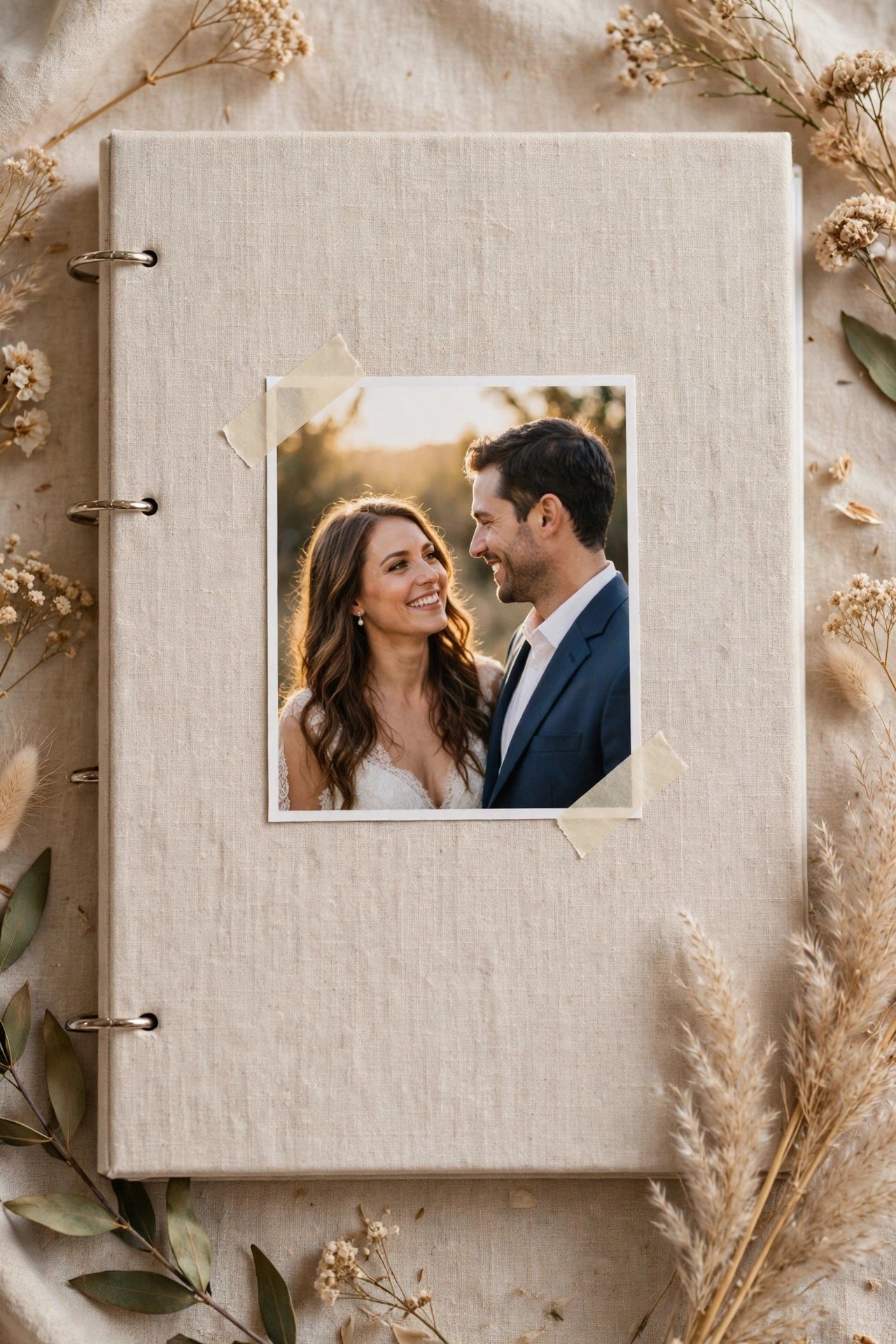
Start the binder with a cover page: your names, the wedding date, the venue, and a favourite photo of the two of you. It sounds decorative; it is actually functional. On the stressful days — and every couple has two or three — opening the binder to that page is a small, reliable reminder of what all the admin is for.
Tabbed Sections for Every Planning Area
 📌 Save
Divide the binder into the classic sections: Budget, Vendors, Guests, Attire, Ceremony, Reception, Day-Of, and Keepsakes. Colour-code them and use the same colours in your spreadsheet and calendar — one system across everything. Tabs feel basic until the first time you find a contract in four seconds during a vendor phone call.
The Master Budget Tracker Page
 📌 Save
One page, three columns per category: budgeted, actually spent, still owing. Update it at the end of every month without exception. This single habit prevents the two classic budget disasters — discovering you overspent when it is too late to adjust, and forgetting a final balance until the week it is due.
A Vendor Contact Directory
 📌 Save
One page listing every vendor: business name, your contact person, phone, email, and — crucially — the number that reaches them on the wedding day itself, which is often different. This page gets photocopied for your coordinator, your best man and your venue. It is the binder’s most-used sheet by a distance.
Signed Contracts in Clear Sleeves
 📌 Save
Every signed contract goes in a clear sleeve in the Vendors section, in booking order, with the payment schedule highlighted. Sleeves survive the year of car journeys, café tables and coffee that loose paper does not. When a question arises — and questions always arise — the answer is in the binder, not in an email thread from eight months ago.
The 12-Month Checklist Spread
 📌 Save
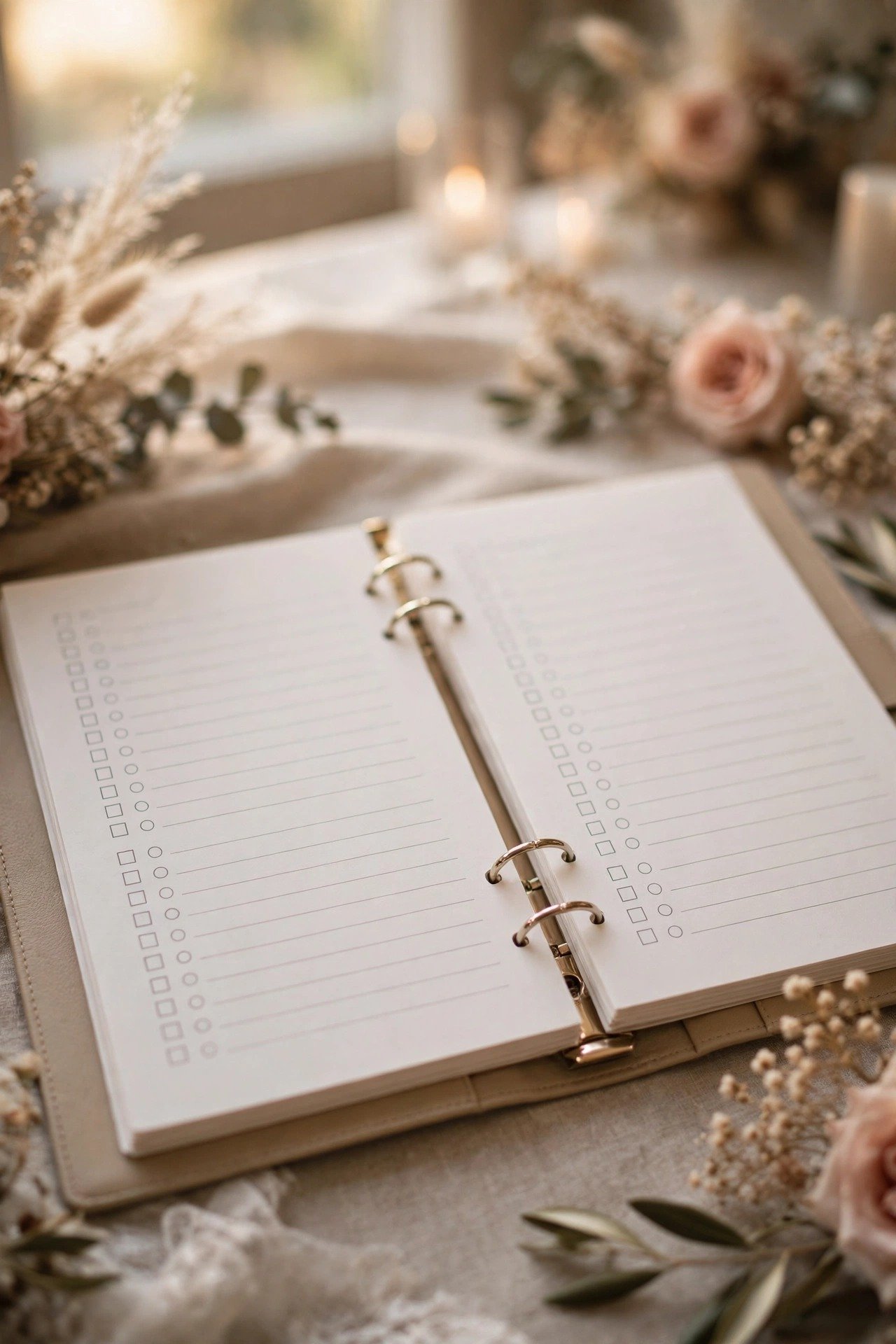
Print a month-by-month checklist across a two-page spread at the front of the binder: what to book, buy and decide each month, with tick boxes. There is deep satisfaction in ticking a month shut, and the spread instantly answers the 2 AM question ‘are we behind?’ — usually with a reassuring ‘no, we are fine’.
Guest List and Address Pages
 📌 Save
Keep the master guest list here: names grouped by household, full postal addresses, and a running count at the top of each page. Paper sounds old-fashioned until you are addressing invitations with three people helping — the binder sits open on the table and everyone works from the same version, which no shared screen has ever matched.
An RSVP Tracking Log
 📌 Save
A printed log with columns for reply date, attendance, meal choice, plus-one name, and notes — allergies, highchairs, accessibility. Update it the day each reply arrives and it quietly becomes the most valuable document you own: the seating plan, the caterer’s numbers and the place-card list all grow out of this one log.
A Seating Chart Worksheet With Movable Names
 📌 Save
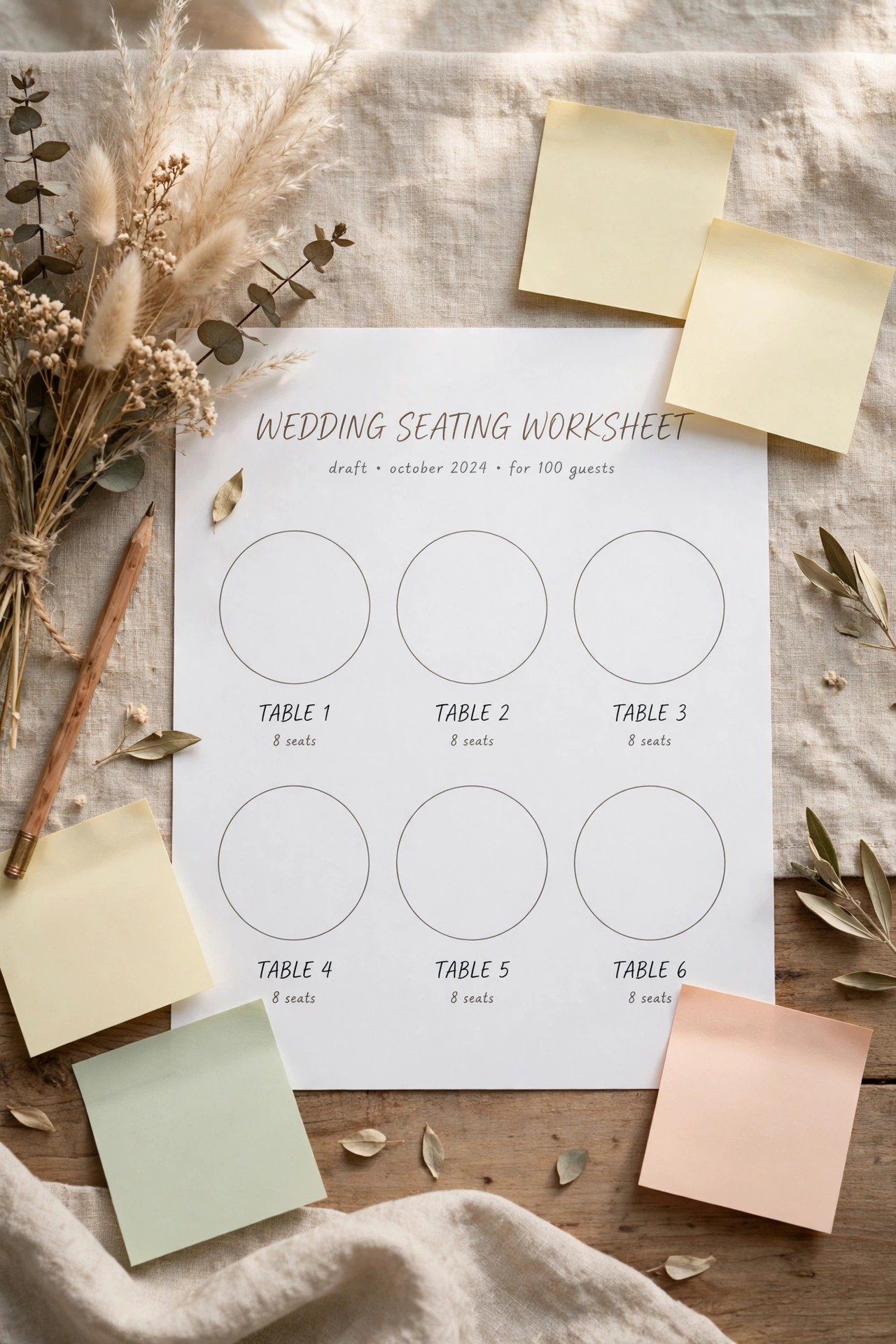
Draw your tables as circles on a worksheet page and write each guest’s name on a small sticky note. Now seating becomes movable: try the arrangement, live with it, rearrange in seconds. Couples who write names directly onto charts in pen create a palimpsest of regret; sticky notes keep the process playful even when the family politics are not.
Ceremony and Reception Timeline Pages
 📌 Save
Dedicate pages to the master timelines: the planning-year milestones, the rehearsal plan, and the wedding-day schedule hour by hour. Print the day-of version several times — copies live in the binder, with the coordinator, and in the getting-ready rooms. When five people ask ‘what happens at three?’ the binder answers without you.
A Music and Do-Not-Play List Page
 📌 Save
One page for every musical decision: ceremony pieces, first dance, parent dances, must-play favourites, requests from parents, and the all-important do-not-play list. Hand a photocopy to your DJ or band at the final meeting. It prevents the two music disasters — your song played while you were outside, and the banned song played at full volume to your grandparents.
Menu, Cake and Tasting Notes
 📌 Save
Record every tasting in the binder: dishes tried, the final menu as agreed, per-head prices, dietary handling, cake flavours by tier, and delivery arrangements. Photographs of the plates help enormously in month eleven when you cannot remember which chicken you chose. This section is what your future self consults at the final catering meeting.
Inspiration Pages With Swatches and Samples
 📌 Save
Sleeve the physical evidence of your design: fabric swatches, ribbon, paint chips, stationery samples, printed photos of florals and tablescapes. Screens lie about colour; a swatch does not. When the florist, baker and linen company all work from the same physical palette in the same sleeves, the room comes together as one design instead of four interpretations.
A Fittings and Attire Tracker
 📌 Save
One page per outfit that matters: yours, your partner’s, and the party’s — with order dates, sizes, fitting appointments and alteration notes. Attire chaos is always administrative, never dramatic: a missed fitting here, a wrong size there. The tracker page is the entire cure, and it makes you look impressively together at every boutique visit.
A Gift and Thank-You Note Log
 📌 Save
From the engagement party onwards, gifts arrive — and the couples who survive them gracefully log each one the week it lands: giver, gift, occasion, and two tick boxes, note written and note sent. Thank-you notes written within a fortnight are short and joyful; notes attempted from memory in month three are neither.
A Payments and Due-Dates Calendar
 📌 Save
A year-at-a-glance calendar page with every deposit and balance circled in red the day each contract is signed. Weddings rarely blow budgets through extravagance; they blow them through timing — three balances landing in one month. The calendar shows cash-flow collisions a year early, while they are still easy to renegotiate.
An Emergency Contacts and Day-Of Kit List
 📌 Save
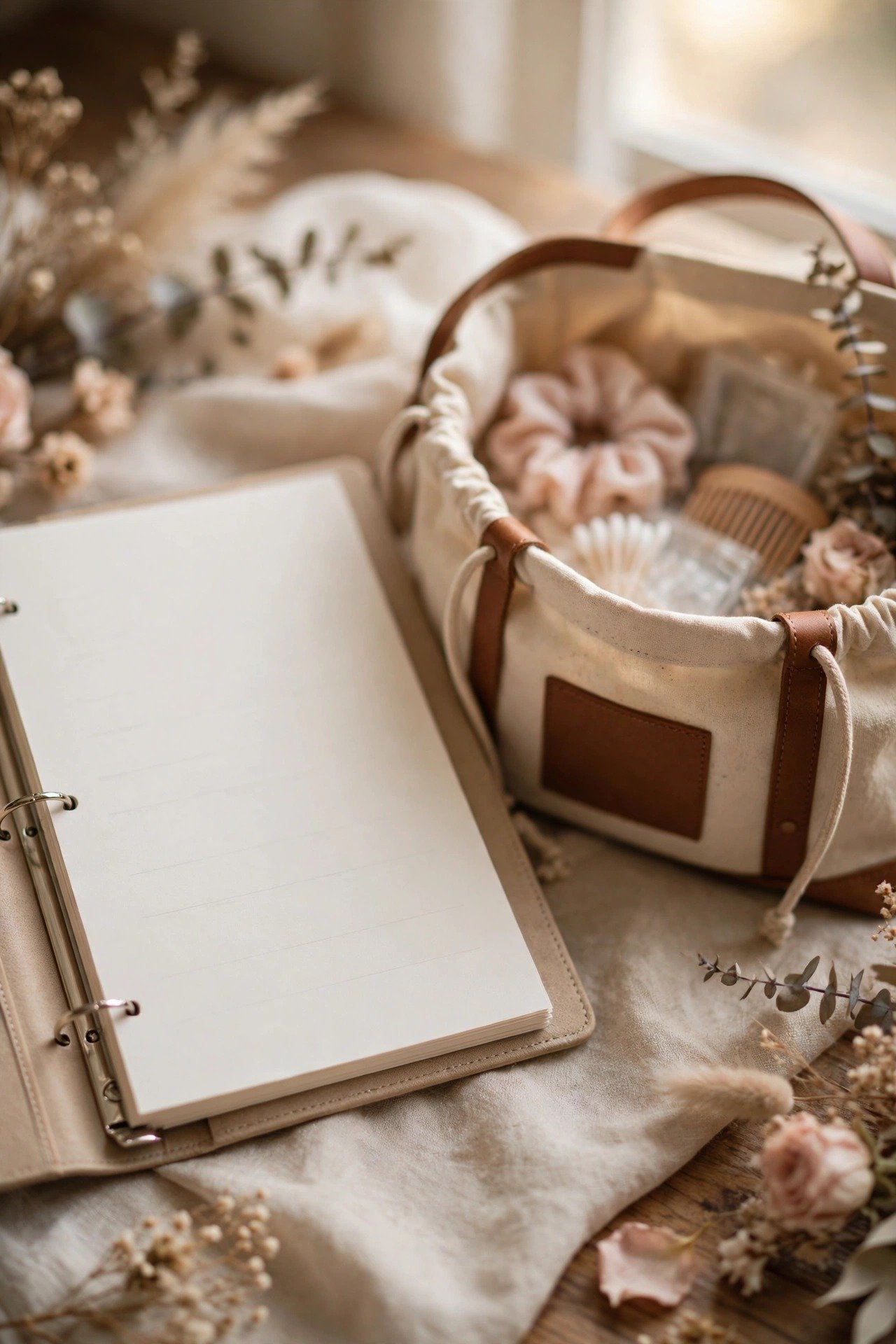
The back section opens with the page that matters at 8 AM on the day: coordinator, venue, best man, maid of honour, taxi company, and the nearest pharmacy — plus the checklist for the emergency kit itself. Any adult with this binder can handle any wobble without finding you, which is precisely the point of writing it down.
A Zipper Pocket for Receipts and Cards
 📌 Save
Clip a zipper pouch into the binder for the physical small stuff: receipts, vendors’ business cards, deposit slips, gift cards and the occasional cheque. Receipts are the evidence behind every ‘but we paid that’ conversation, and business cards are how you recommend your wonderful florist two years later without a forensic email search.
A Notes Page for Every Meeting
 📌 Save
Behind each vendor’s contract, keep a notes page: date of each meeting or call, who attended, and — in bold — what was decided and what was promised. Memory edits conversations kindly; paper does not. When a supplier recalls a different cake flavour or delivery time, the notes page settles it in one calm sentence.
A Keepsake Section for After the Wedding
 📌 Save
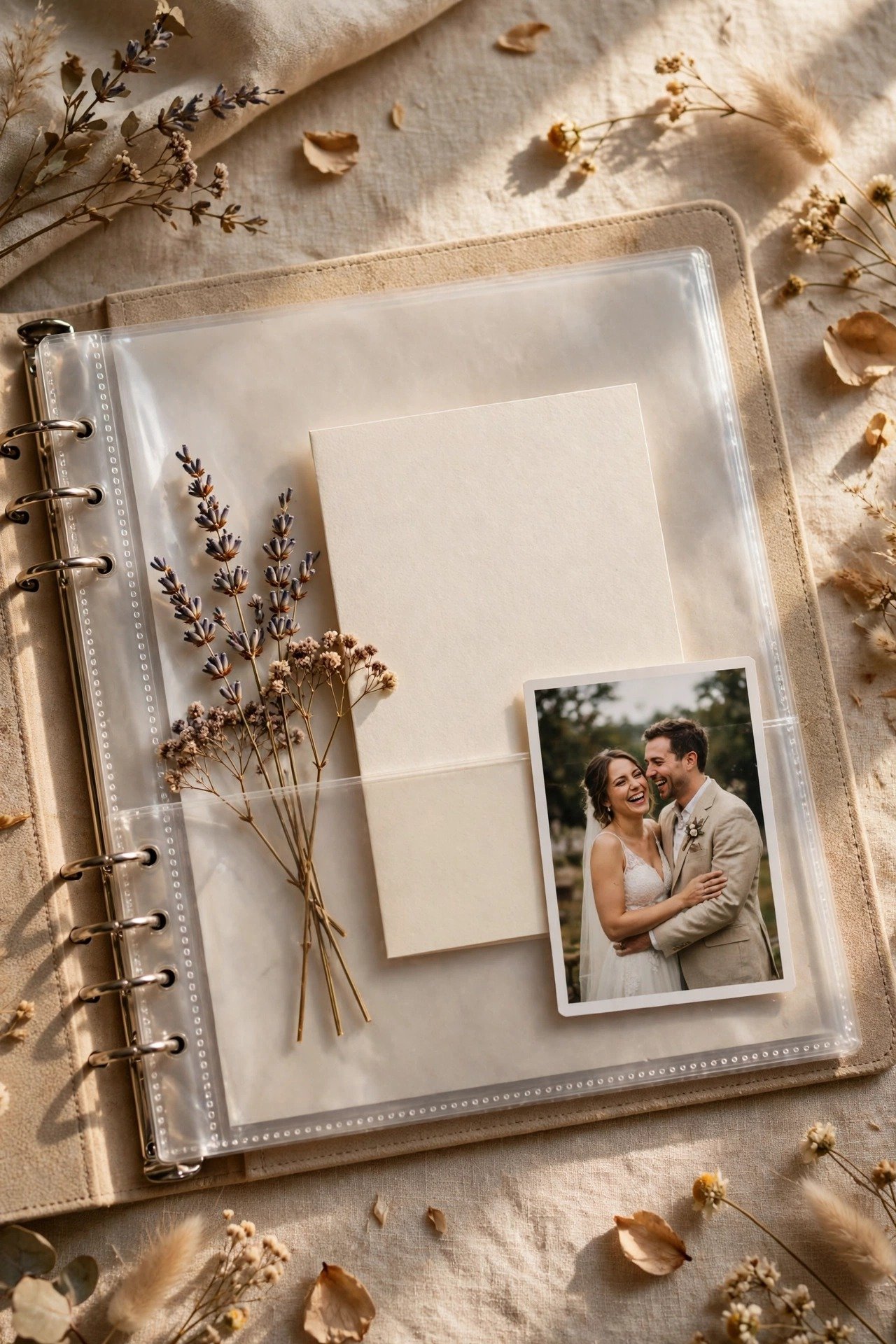
Reserve the final section for what the day leaves behind: a pressed flower, the menu card, a place card in your partner’s handwriting, the best candid print, a copy of the speeches. The binder that organised the wedding becomes the book that remembers it — and it will be opened on anniversaries long after the spreadsheet is deleted.
20 Wedding Planning Binder Ideas FAQs
What is the difference between a wedding planning binder and a planning app?+
They do different jobs well. Apps win for sharing, reminders and anything that changes daily. A binder wins for contracts, physical swatches, signatures, and working as a group around a table — and it never runs out of battery at a venue. Most organised couples run both, with the binder as the archive and the app as the alarm clock.
What sections does every wedding binder need?+
Eight cover almost every wedding: Budget, Vendors (contracts and contacts), Guests (list, RSVPs, seating), Attire, Ceremony, Reception, Day-Of (timelines and emergency page), and Keepsakes. Add or merge sections to fit your wedding — a destination wedding usually adds Travel; a DIY-heavy one adds Projects.
How do we keep the binder updated without it becoming a chore?+
Attach it to one existing habit: a fifteen-minute monthly sit-down where you update the budget tracker, file the pocket’s receipts, log new decisions and check next month’s checklist page. Same time, same drinks, same two people. Binders die from good intentions; they thrive on small recurring appointments.
Should both partners have access to the binder?+
Yes — it should live in a shared place, not in one partner’s bag. The binder’s whole value is that either of you, your coordinator, or a trusted parent can find anything in it. Keep the digital backup shared too, and tell one wedding-party member where the binder will be on the day itself.
What do we do with the binder after the wedding?+
Finish it. Add the keepsake section — a dried flower, the menu, your place cards, the story of the day written while it is fresh — and keep the contracts section for a year in case of final invoices or disputes. After that, it becomes what couples consistently call their favourite wedding souvenir: the book that built the day.
Key Takeaways
- Build the binder around eight tabbed sections: budget, vendors, guests, attire, ceremony, reception, day-of, keepsakes.
- The highest-value pages are unglamorous: budget tracker, contact directory, payment calendar, RSVP log.
- Contracts live in clear sleeves, small paper lives in a zipper pocket, and nothing enters the binder loose.
- Update it in one fifteen-minute monthly sitting — systems beat enthusiasm across a planning year.
- Finish it with keepsakes after the wedding; the organiser becomes the memory book.
Final Thoughts
A wedding binder is not really about stationery — it is about giving a year of decisions a single home, so your brain does not have to be that home. Build it with these twenty ideas, keep it in one monthly rhythm, and on the wedding morning you will hand it to your coordinator with the best sentence in planning: everything is in the book.